Save time and money by printing postage online with Stamps.com. Calculate First-Class Mail® rates, print on labels or envelopes, and get automatic tracking and proof of delivery—all without a post office trip. Streamline your workflow and keep every piece of mail moving right on time.
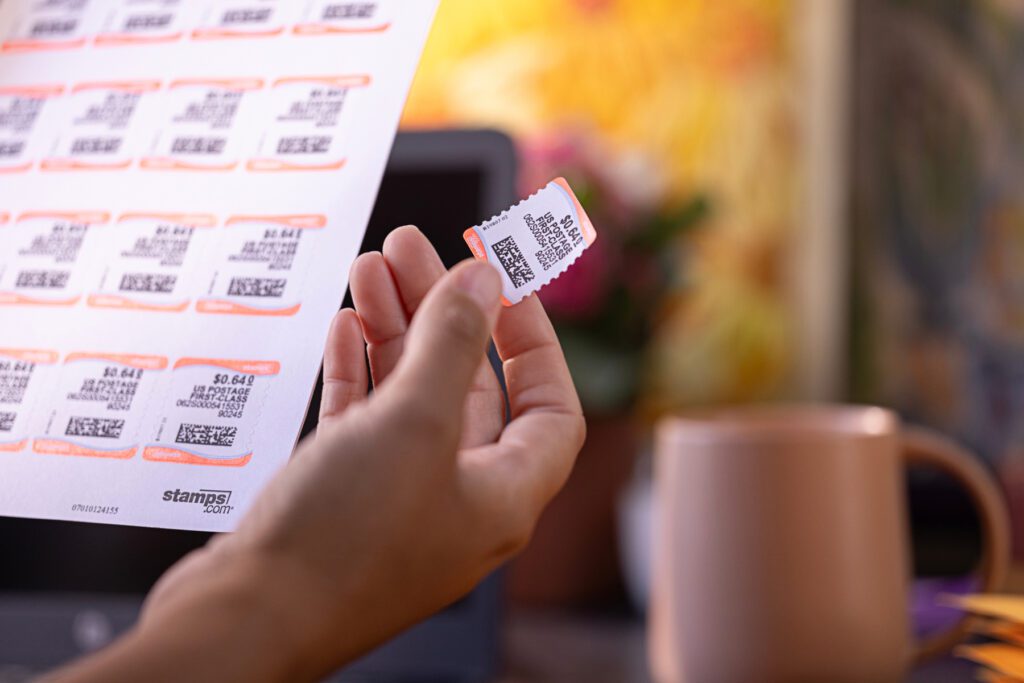
Print discounted USPS® postage, track every delivery, and get instant proof of mailing—all without leaving your desk. Fast, affordable, and completely hassle-free.

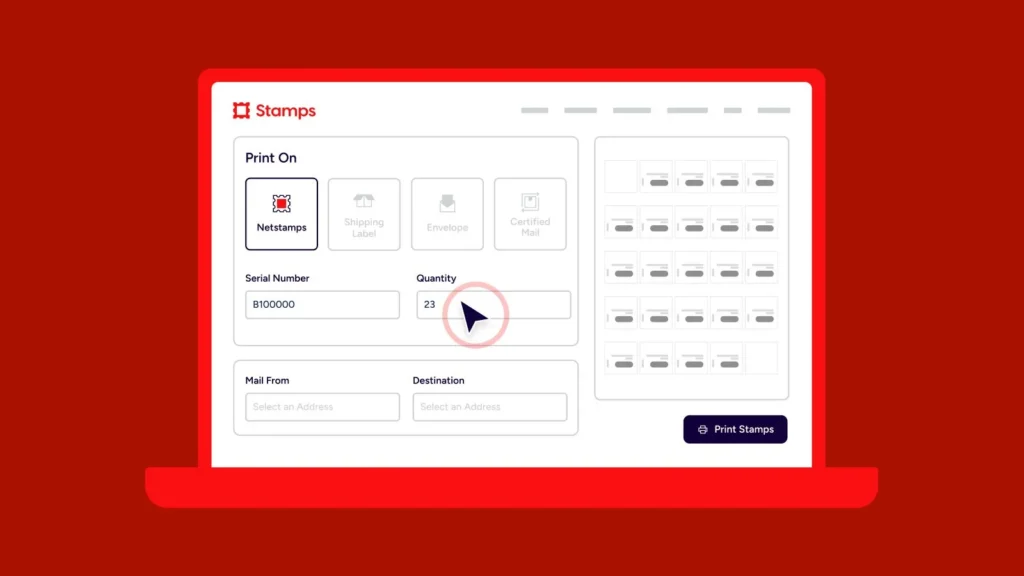
Skip the post office and print as many stamps as you need right from your desk. Enjoy discounted USPS® rates, automatic postage calculation, and easy tracking—all designed to save you time, money, and unnecessary trips.

Add Certified Mail® to ensure you have verifiable proof of delivery for important documents. Choose Restricted Delivery to make sure only the intended recipient signs, and request an Electronic Return Receipt (eRR) in just one click for digital proof you can store and reference anytime.

Print postage from your desk to save hours each month. Just use your computer or phone and a regular printer, then drop letters in any USPS® mailbox or schedule a pickup for Priority Mail® or Ground Advantage™ shipments.
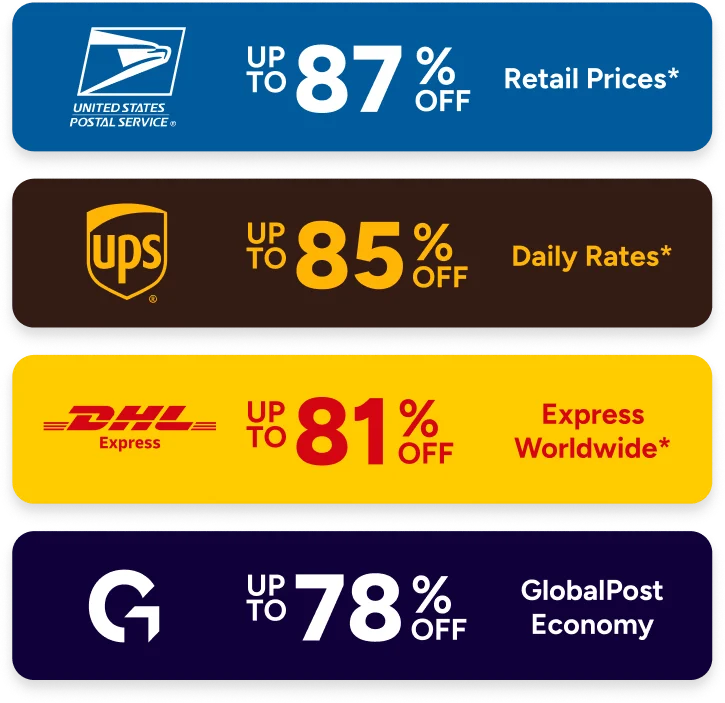
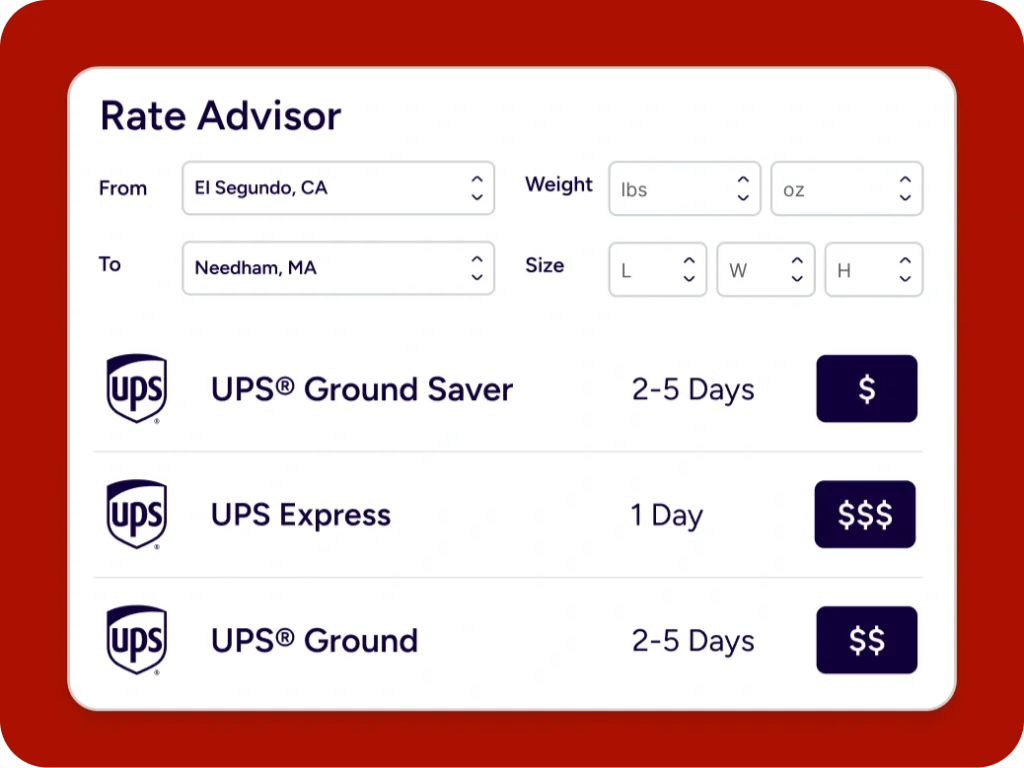
Stop overpaying. Simply enter the weight, size, and destination to get the precise postage amount needed. Enjoy exclusive savings on First-Class Mail®, Priority Mail®, and USPS Ground Advantage™—plus discounted shipping from other major carriers.
Stop guessing and overpaying. Enter weight, size, and destination to get the exact amount of postage required to get your item to its destination. We save you on First Class Mail and every other USPS mail class including Priority Mail and Ground Advantage – not to mention shipping services from UPS®, FedEx®, and more carriers.
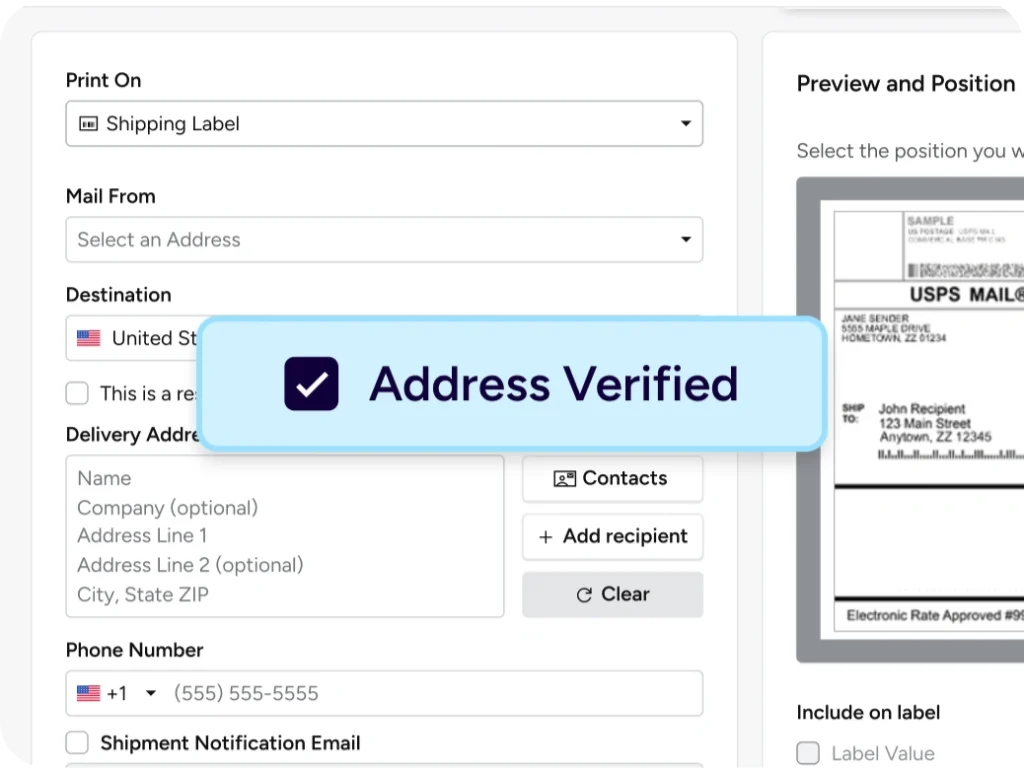
Deliver every letter with confidence. Every address you print is instantly checked against the USPS® database and standardized with ZIP+4™ for accuracy. Fewer errors, faster deliveries, and no wasted postage.
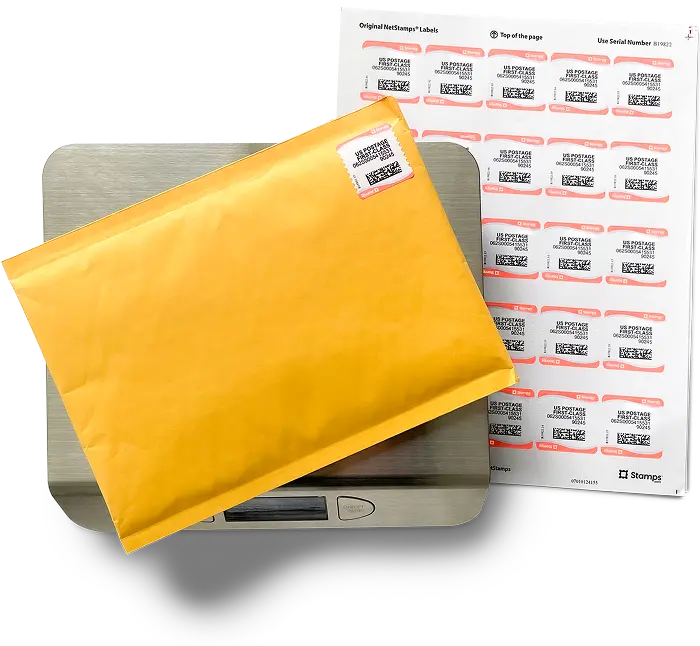
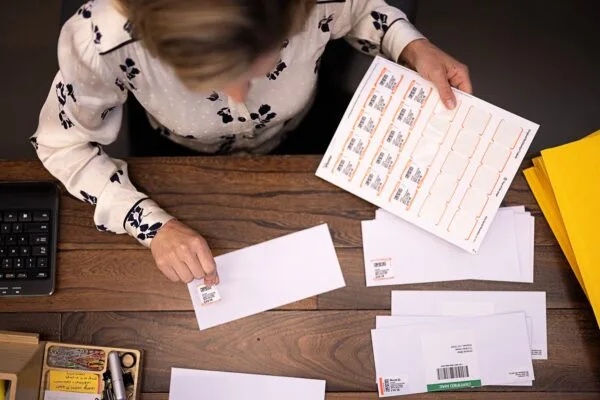
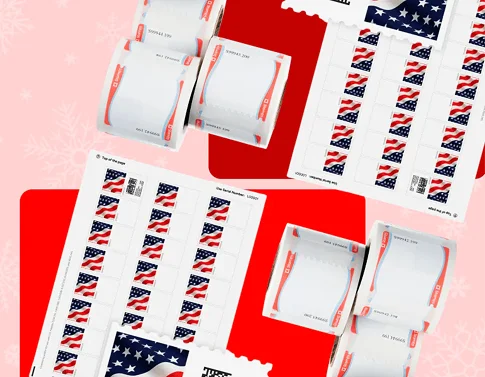
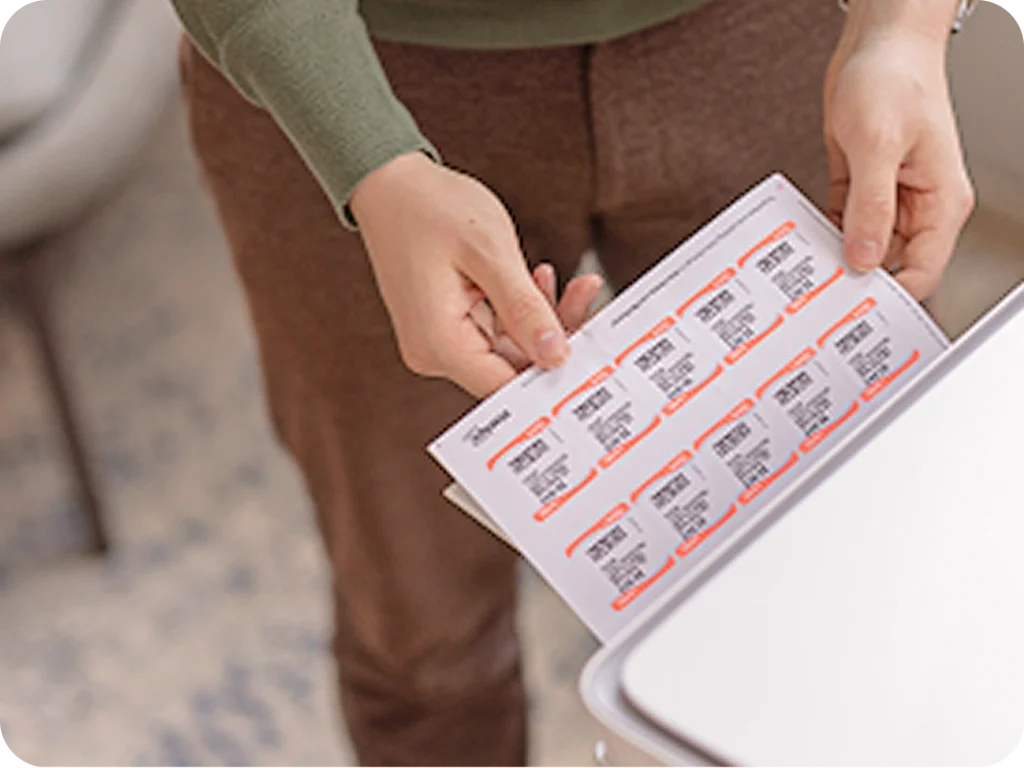
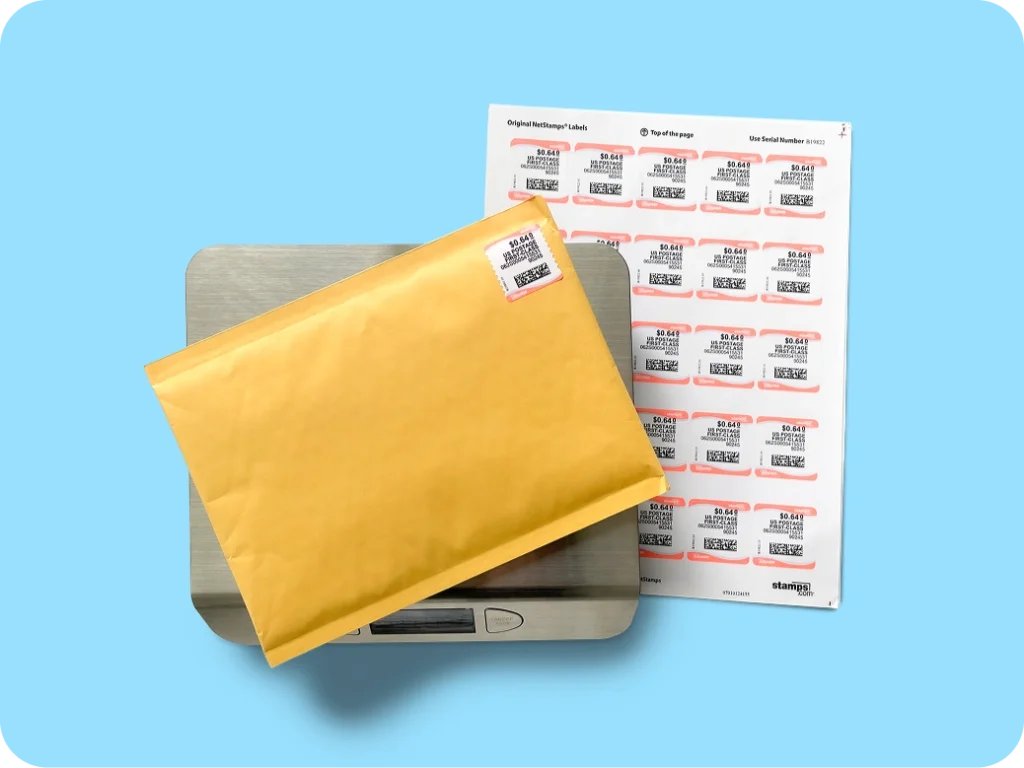
Turn a standard inkjet or laser printer into a digital postage station. Print any amount of First Class Mail® postage directly on envelopes or on blank labels to create your own stamps to send letters, flats, and postcards. No more overpaying. No more overstamping. No more dealing with hassle at the Post Office.
Choose First Class Mail for everyday letters or Certified Mail and Registered Mail for proof of delivery. Restricted delivery ensures only the person the mail is intended for receives the item. Requesting Electronic Return Receipts (eRR) is as easy as a single click. Choose Priority Mail and Ground Advantage for heavier envelopes and flats with tracking.
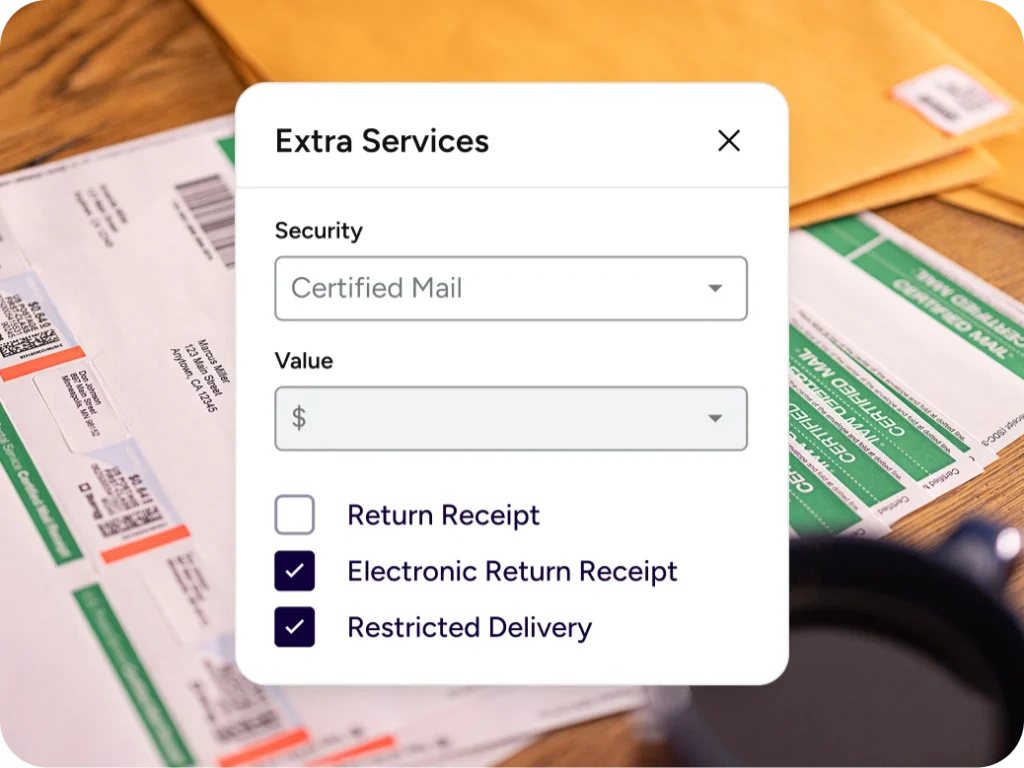
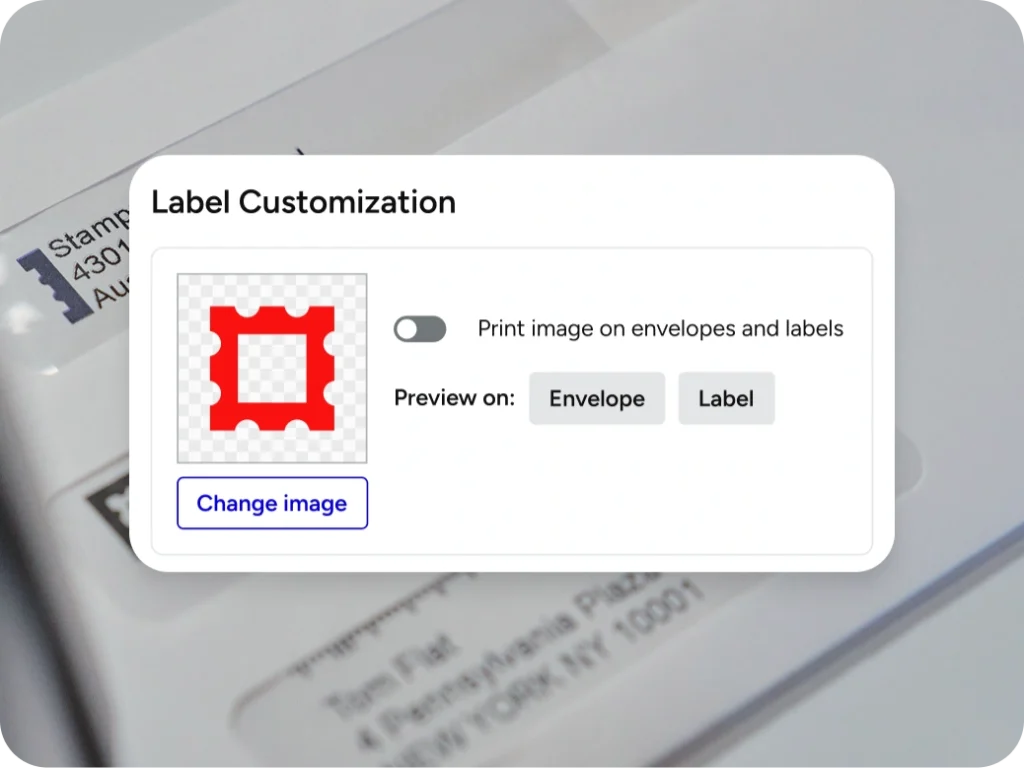
Lead with your logo. Print USPS postage and your company logo or design directly onto hundreds of envelope sizes simultaneously. It’s a clean, professional, and efficient way to handle all your business correspondence.
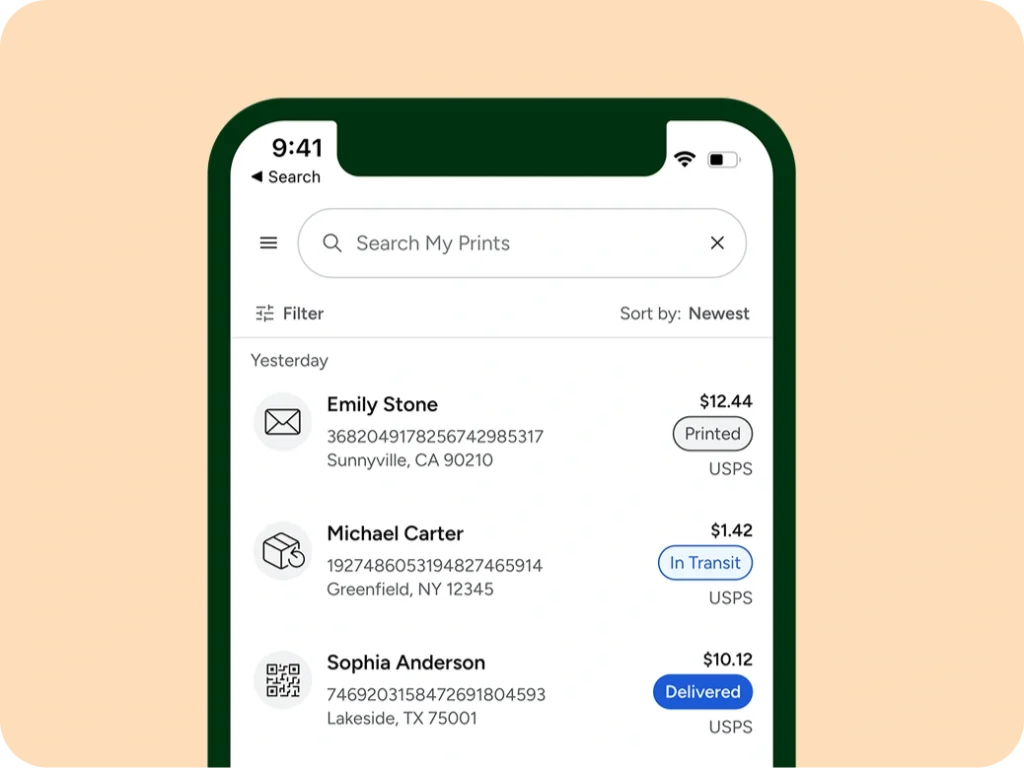
Mail sent with Certified Mail, proof of delivery services, Priority Mail and other mail classes includes USPS tracking so you can see when mail is accepted, in transit, and delivered. Tracking information is sent to recipients and readily available on your Stamps.com dashboard when you need it for reference or reports.
Outfit your packing table without the extra expense. Order free USPS envelopes and mailers for eligible services from the Stamps.com Store, then subscribe to your favorites for quick reorders. Matching the right packaging to the right service protects margins and helps you avoid dimensional surprises at checkout.
For 30 years, Stamps.com has been the trusted platform making it efficient and affordable to print discounted stamps, envelopes, shipping labels, and Certified Mail® from USPS®, UPS®, and more carriers in under 2 minutes. Get up to 90% off rates and save $100 in billable hours value/month by reducing manual tasks and Post Office trips.

Stamps.com is a low monthly subscription with discounted USPS rates included. There is no long-term contract, and you can cancel anytime from your account settings.
Yes. Thermal printers work great for label-based postage like Priority Mail or Ground Advantage. For NetStamps, use our USPS-approved sheets with any standard inkjet or laser printer.
Yes. You can print postage for international letters and flats, and we guide you through required customs details. When needed, we generate the proper CN22/CN23 forms for smooth acceptance.
If a label was printed but not used, you can void it in your account and request a postage refund within the eligible window. NetStamps sheets are flexible—use remaining stamps as needed.
Built-in address verification standardizes formatting, adds ZIP+4 when available, and flags potential issues before you print. Cleaner data helps avoid surcharges and returned mail.
Yes. Add users with role-based permissions, require cost codes, and track spend with detailed reports. It is easy to scale access while keeping control and visibility.
Absolutely. Upload CSV files, copy-paste lists, or save recipients as you print. Presets and an address book help you repeat common mailings quickly and accurately.
Yes. Create prepaid USPS return labels for eligible label-based services, include them with outbound mail, and track returns alongside your other items.