Enter your USPS tracking number below to check on the status of your package.
Check the status of any shipment with USPS® tracking in seconds. See real-time delivery updates, and keep your recipients informed with easy sharing, exports, and audit-ready records. Built for busy offices, agencies, and enterprises that need certainty without the scramble.

Paste any tracking number to check the status right away. Share the USPS tracking number with your recipient so everyone stays in the loop from shipment to delivery. Ideal for law firms, healthcare offices, insurance and real estate teams that juggle daily mail service needs.

Filter your history by date, recipient, or location to surface the exact shipment you need. Use delivery status to confirm receipt, resolve exceptions, and document timelines for compliance.

Download tracking details for audit trails, or email status updates to colleagues and clients. Keep organized proof alongside each shipping label for clean records you can trust.
Everything you need to check the status, follow delivery, and keep your records tidy—on desktop or mobile—without extra hardware or complicated workflows.
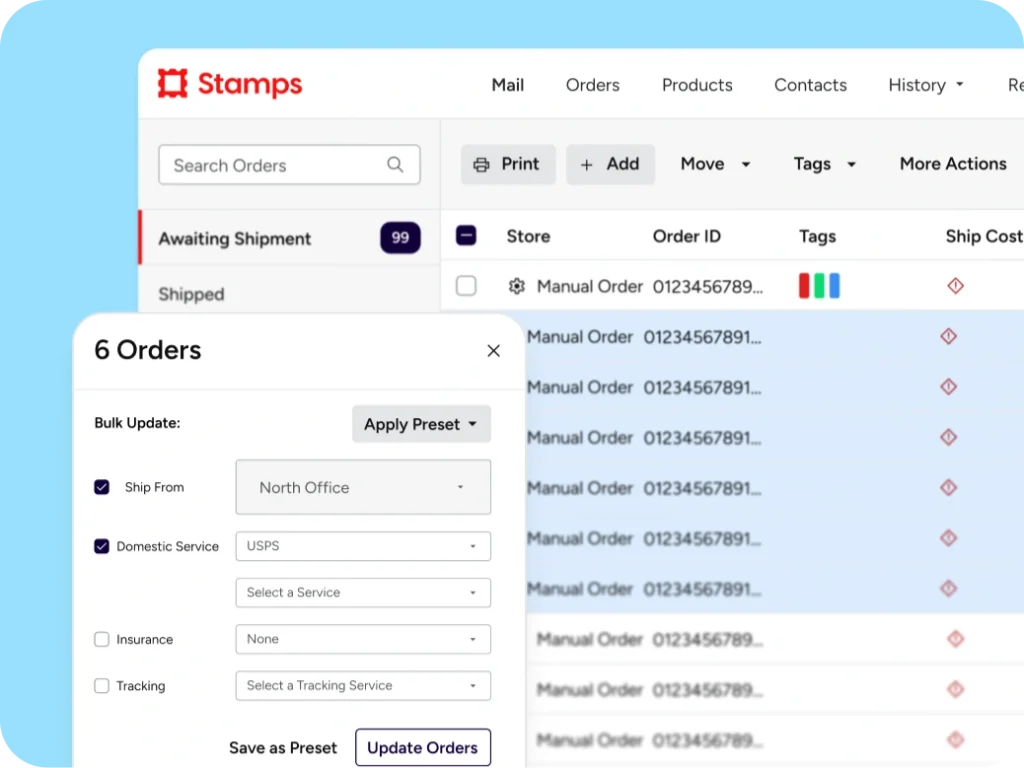
Open History to see all your labels and shipments in one place. Search print history, click Status for live updates, and print or email the information you need. No more tab-hopping between tools or carrier sites.

Slice your tracking history to find exactly the right file. Filter by sent date, recipient name, or location to confirm delivery windows, support billing, or respond to status requests quickly.
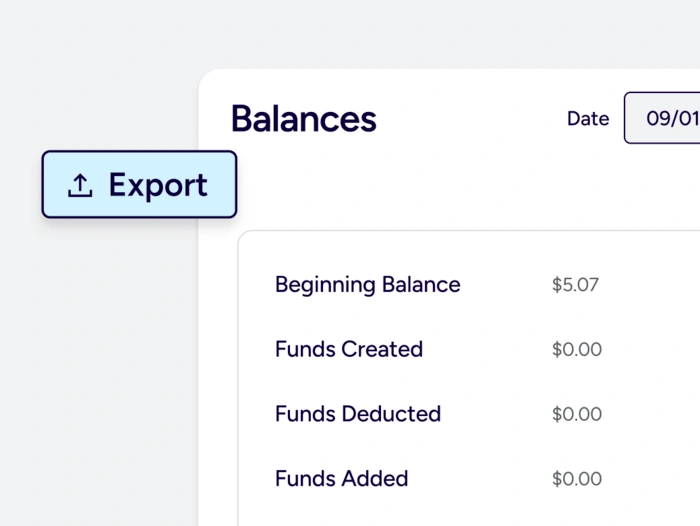
Create tidy CSV or PDF files with tracking number, label data, and delivery status. Drop them into client files, case management systems, or internal archives to maintain clear audit trails and reduce back-and-forth.
Slice your tracking history to find exactly the right file. Filter by sent date, recipient name, or location to confirm delivery windows, support billing, or respond to status requests quickly.
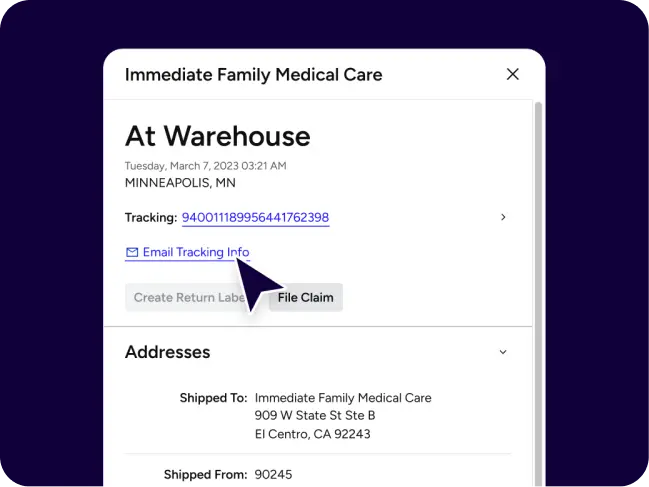
Note when an item is out for delivery, delivered, attempted, or held at a local post office. If a recipient requests Hold Mail, reference USPS options and expected timeframes so you can coordinate next steps smoothly. Use delivery status for records when documenting service of notices, contracts, or patient communications.
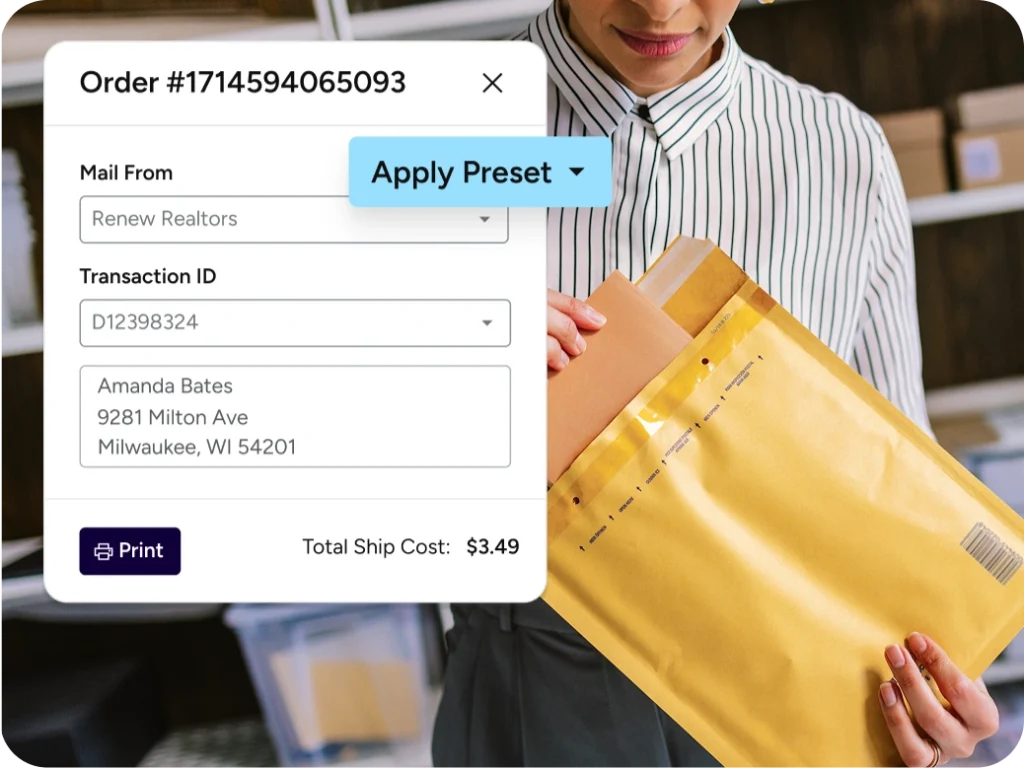
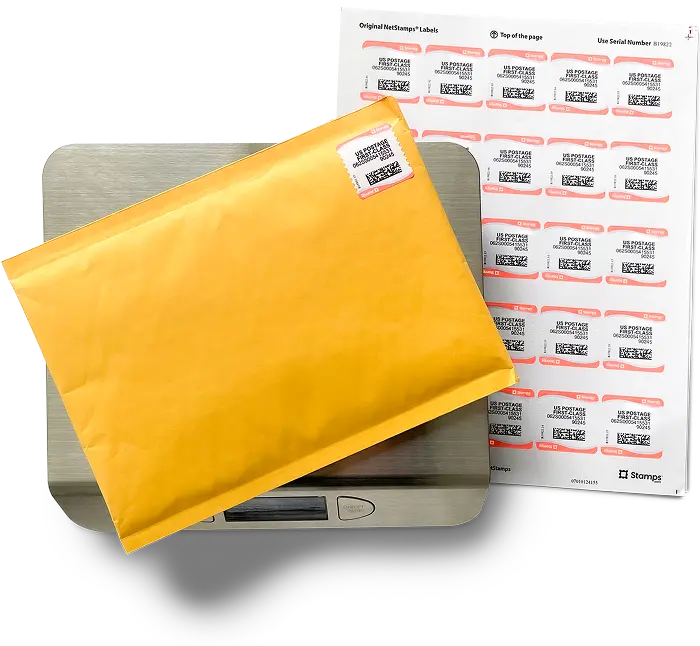
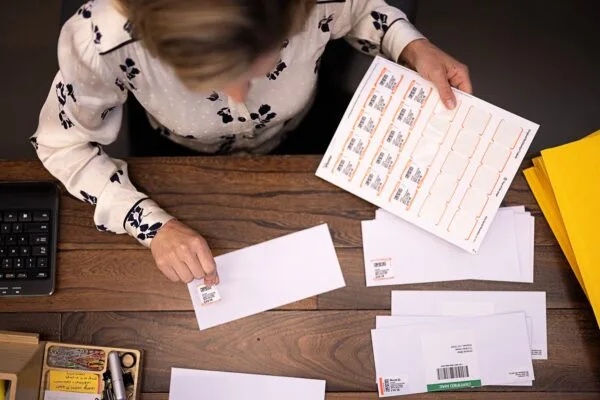
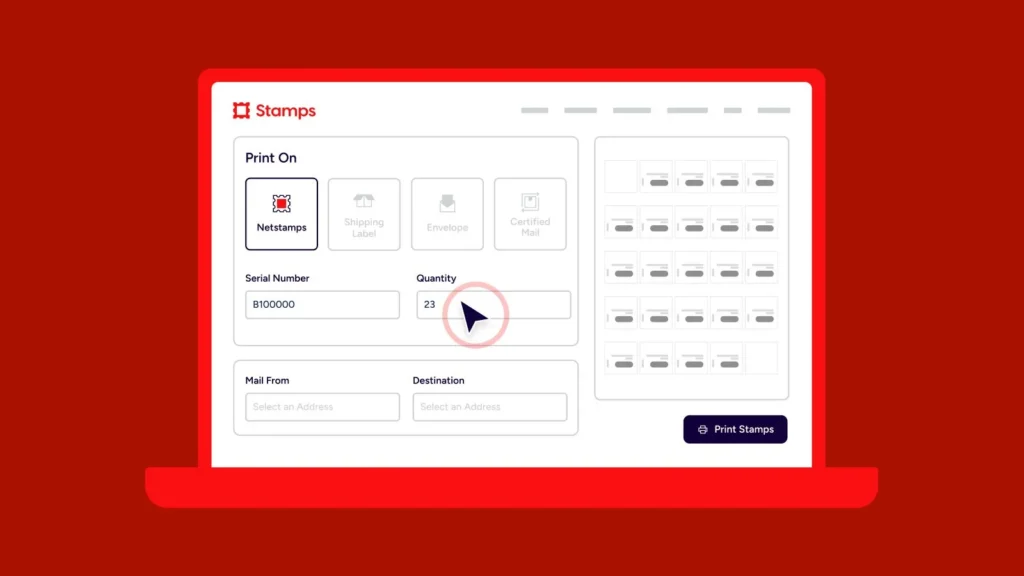
Generate a USPS shipping label without special hardware, then track every label you create right inside Stamps.com. Simple for front-desk teams and multi-location offices that need consistent, repeatable processes.

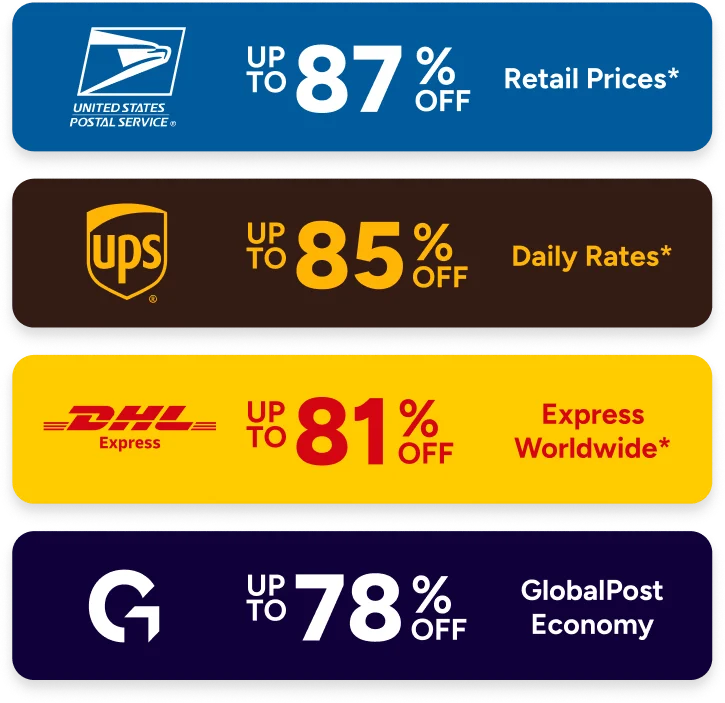
For 30 years, Stamps.com has been the trusted platform making it efficient and affordable to print discounted stamps, envelopes, shipping labels, and Certified Mail® from USPS®, UPS®, and more carriers in under 2 minutes. Get up to 90% off rates and save $100 in billable hours value/month by reducing manual tasks and Post Office trips.

USPS tracking is included at no extra charge with every USPS label you print in Stamps.com. You can also paste any valid USPS tracking number to check status without printing a label.
You may see label created, accepted, in transit, out for delivery, delivered, attempted, or exception statuses. Each entry shows the most recent scan event and location.
Tracking updates appear after USPS scans your package at pickup, processing, or delivery. Gaps between scans can occur during transport or on low-scan routes, and typically resolve at the next facility.
Yes. Priority Mail services include USPS tracking, and Certified Mail includes a tracking number so you can confirm delivery or attempted delivery.
Learn More About USPS Tracking
Copy the tracking link from the details page and email it to your recipient. You can also export CSV or PDF files for client files and audits.
Learn More About USPS Tracking
Open History in your Stamps.com account, search by recipient or date, and click Status to view live updates for each shipment.
Learn More About USPS Tracking
Ask the recipient to check with others at the address and nearby mail areas, then allow a little time for final scans. If still missing, contact the local Post Office for assistance.
You can view near real time tracking updates for Registered Mail and certified mail through Stamps.com and USPS tracking.