
















Trips to the post office add up. Our latest survey reveals that 78% of small business owners make frequent trips to mailing locations, and 68% regularly interrupt important work to handle mailing tasks.
Between parking, waiting, and juggling packages, those trips eat into your week faster than you’d think. But here’s the thing—you don’t actually need to go. You can schedule USPS pickups directly from your home or office—and with Stamps.com, the process becomes even simpler.
This guide walks you through everything you need to know about the USPS pickup service, including how to schedule a USPS pickup, what packages qualify, and how Stamps.com streamlines the entire experience.
USPS pickup service allows your mail carrier to collect packages directly from your home or business during their regular delivery route. Think of it as reverse delivery. Your mail carrier is already coming to your address—USPS pickup service just means they grab your outgoing packages while they’re there. Leave your shipments on the porch, at the front desk, or wherever works for you. Done.
The service covers most domestic and international shipping needs. Priority Mail®, Priority Mail Express®, USPS Ground Advantage®, and international shipments all qualify for USPS home pickup. You can even arrange a USPS return pickup for prepaid packages you need to send back to retailers.
The pickup itself? Free. Doesn’t matter if it’s 2 packages or 20—USPS doesn’t charge for carrier collection during regular delivery. You’re already on their route.
To qualify for free USPS pickup, your shipment must include at least one package using a premium service like Priority Mail®, Priority Mail Express®, or First Class Mail International®.
If you need a specific time window, USPS offers Pickup On Demand for $25. This premium service lets you choose a two-hour window for collection.
One thing to know: pickup scheduling is a premium feature in Stamps.com. If you’re not seeing the option in your account, that’s probably why. You’d need to upgrade your plan to access it.
The most significant time-saving feature of Stamps.com is the ability to schedule USPS pickups directly from your account—eliminating the wasted productivity of driving to and waiting in line at the post office.
Here’s how to schedule a USPS pickup online through Stamps.com:
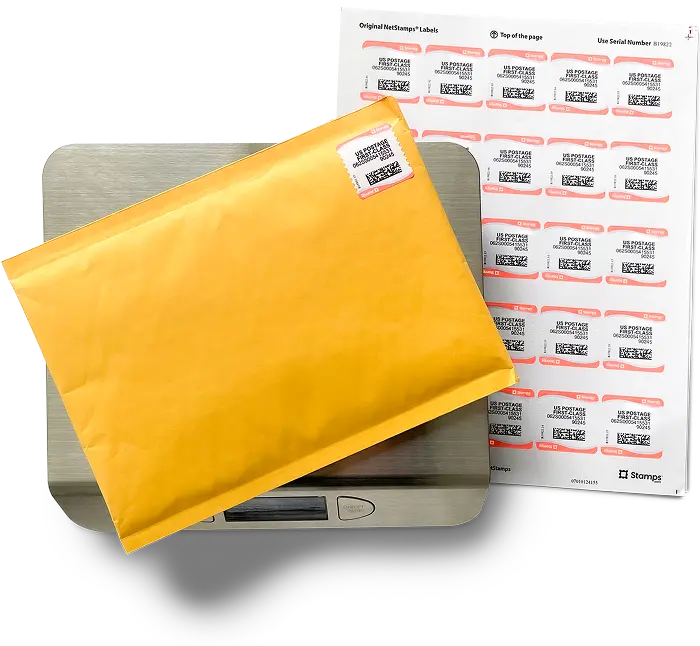
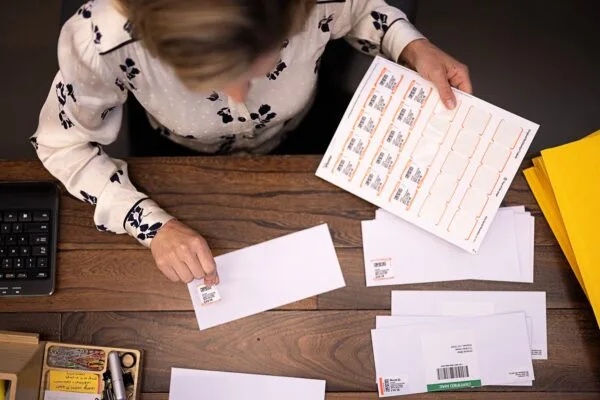
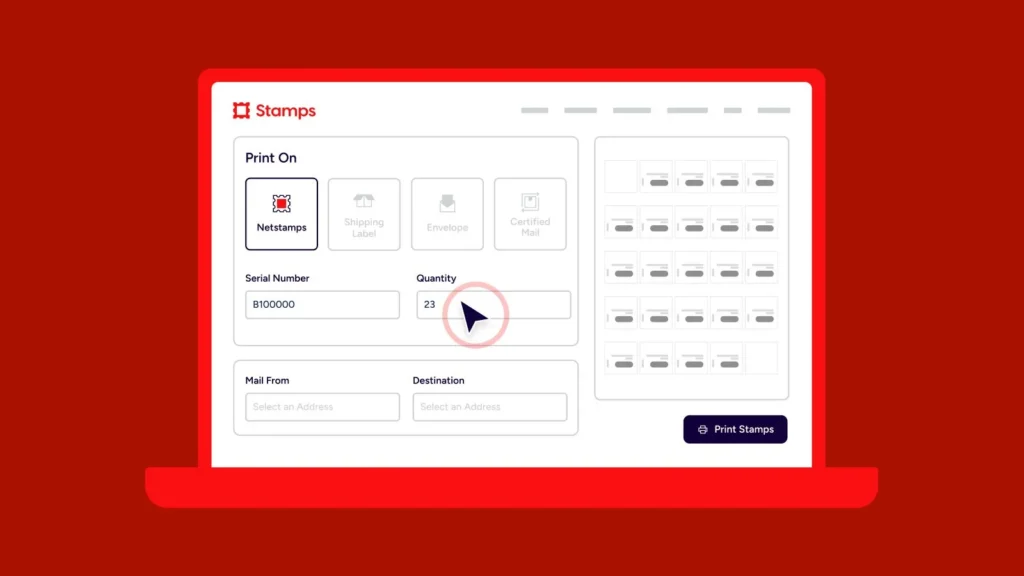
Step 1: Print your shipping labels. Using Stamps.com, create and print labels for all packages you need shipped. Make sure the weight and dimensions are accurate.
Step 2: Navigate to Schedule a Pickup. Log into your Stamps.com account, go to the History tab, and select “Schedule a Pickup.”
Step 3: Review your packages and add instructions. The pickup request pop-up is pre-filled with your eligible packages. You can also leave special instructions for your mail carrier—like where you’ll leave the packages or any access notes.
Step 4: Create a SCAN form. For businesses shipping multiple packages, create a Shipment Confirmation Acceptance Notice (SCAN) form. This generates a single barcode that your carrier scans, recording all your packages as accepted into the USPS system instantly. It streamlines the collection process and ensures every package gets tracked from the moment it leaves your hands.
Step 5: Place packages in your designated spot. Leave your labeled packages in the location you specified—whether that’s your porch, front desk, or inside a lobby.
Your mail carrier picks up the packages during their normal route, typically around the time they deliver your regular mail.
There’s no set pickup window. Your carrier collects packages during their normal route, which depends entirely on where you fall in their day. Most routes finish by 5 PM, but your actual pickup time could be anywhere from late morning to mid-afternoon.
You can schedule pickups Monday through Saturday. With Stamps.com schedule pickup features, you can typically request a pickup up to 2 AM Central Time for same-day service—making it highly convenient for businesses with a high volume of outgoing mail.
Need to plan ahead? You can also schedule pickups up to three months in advance. For businesses with regular shipping volumes, USPS also offers recurring pickup options.
Yes, USPS does pickup on Saturday. You can schedule USPS pickups for any day Monday through Saturday, excluding federal holidays. Saturday pickups follow the same process as weekday collections—your carrier grabs your packages during their normal delivery route.
Keep in mind that Sunday pickups aren’t available. If you request a pickup on a Sunday, USPS schedule pickup processing will schedule it for the following Monday.
A few things can cause this. Rural routes sometimes have restrictions. If your address doesn’t get regular mail delivery, carrier pickup won’t work—there’s no carrier stopping by to grab anything. Multi-unit buildings can be tricky too, especially if there’s no central drop point the carrier can access.
Most shipping services qualify for the USPS pickup service.
If you’re shipping Priority Mail, Priority Mail Express, or Ground Advantage, you’re covered. International services like Priority Mail International and First Class Mail International qualify too. Same with USPS flat rate boxes and prepaid return labels. The main services that don’t qualify on their own are things like Media Mail—you’d need to bundle those with an eligible package.
Remember: to qualify for free pickup, you need at least one package using a premium service. If you’re only shipping Media Mail or other non-premium services, standard free pickup won’t be available.
A few other restrictions apply. Packages weighing more than 70 pounds aren’t eligible. Items using only stamps as postage and weighing more than 10 ounces must be taken directly to a post office employee.
Getting the most from USPS home pickup requires a little preparation.
Make your packages easy to find. Carriers are moving fast—if they can’t spot your packages quickly, they might assume there’s nothing to pick up. The special instructions field exists for a reason. Use it. “Behind the planter on the front porch” beats “outside” every time.
Use a SCAN form for multiple packages. If you’re shipping more than a few items, always generate a SCAN form through Stamps.com. The carrier scans one barcode and all your packages are instantly logged as accepted—no individual scanning required.
Know your USPS last pickup time. If you miss the morning pickup, your packages will wait until the next scheduled day. Plan accordingly if your shipments are time-sensitive.
Check the weather. Rain, snow, or extreme conditions can affect both label quality and carrier access. Consider using a covered area or waterproof packaging during inclement weather.
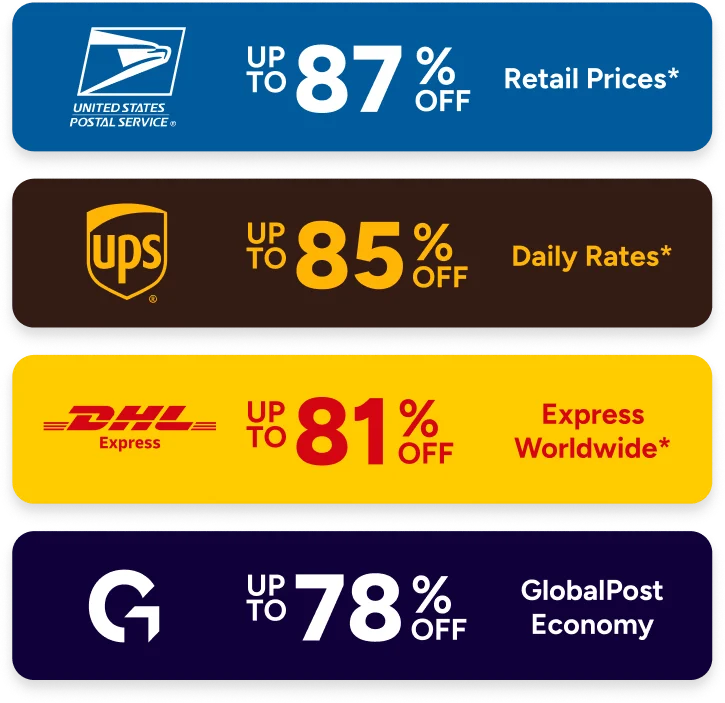
Stamps.com turns USPS pickup scheduling into a seamless part of your shipping workflow. Beyond requesting carrier collection, you’ll access discounted postage rates—up to 88% off USPS and UPS shipping costs—plus tools to compare rates across carriers and track every package from one dashboard.
You get your afternoon back. Your packages still go out on time. Everybody wins.
Ready to skip the lines? Start your free trial of Stamps.com and schedule USPS pickups today. Learn more about multi-carrier shipping options with our complete guide for small businesses.