Every New Year’s Eve, my family gathered together to enact one of our favorite traditions: ranking all of the Christmas cards we’d received that season. The three winning cards were displayed on the mantle.
Most of the losing cards usually weren’t actually cards at all; they were those long form letters outlining everything that had happened to the Jones or Smith or Chan family over the past year. These felt very impersonal and not worth reading. When we saw the salutation “Dear Friend” we didn’t even continue reading. Any type of personal communication that began with such an impersonal greeting, we reasoned, couldn’t be all that personal after all.
It’s really no different with business communications. I throw away anything that’s addressed to “Our Neighbor,” “Homeowner,” or “Resident” without even bothering to open the envelope. I open the mail that’s addressed to me by name, but if the content isn’t customized to me specifically, it tends to go right into the recycling bin.
However, even the most rudimentary personalization (“Dear Ms. Wooster”) means that I’m likely to at least skim your mailer. And when I skim, sometimes I see something that makes me want to buy, which is the goal of the direct mailer.
How to Get Started with Personalization
One of the easiest ways to personalize your mailers is to use a mail merge. A mail merge integrates data from a mailing list with a standard letter, postcard or trifold so that both the address and salutation line of the mailer is customized to a specific customer. If you want to include additional pieces of personalized information—such as the name of a customer’s child or pet—a mail merge will allow you to do that as well.
Mail merges are great because they let you personalize the content of your direct mailers quickly. Just imagine how long it would take to manually type each customer’s name into the salutation line of 1,000 pieces of direct mail!
Make Your Mail Merge Even More Efficient
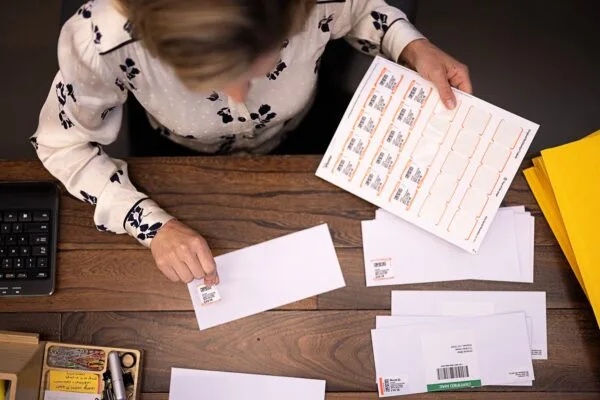
Mail merge programs such as Microsoft Word Mail Merge allow you to personalize the content of your direct mailers; they also provide properly addressed labels or envelopes. But before your mailer can go out, you’ve got to manually apply postage stamps or run all of your mail pieces through a postage meter. At one of my previous jobs, I sat in a room with three colleagues for an hour sticking address labels and stamps onto envelopes, which was neither fun nor efficient.
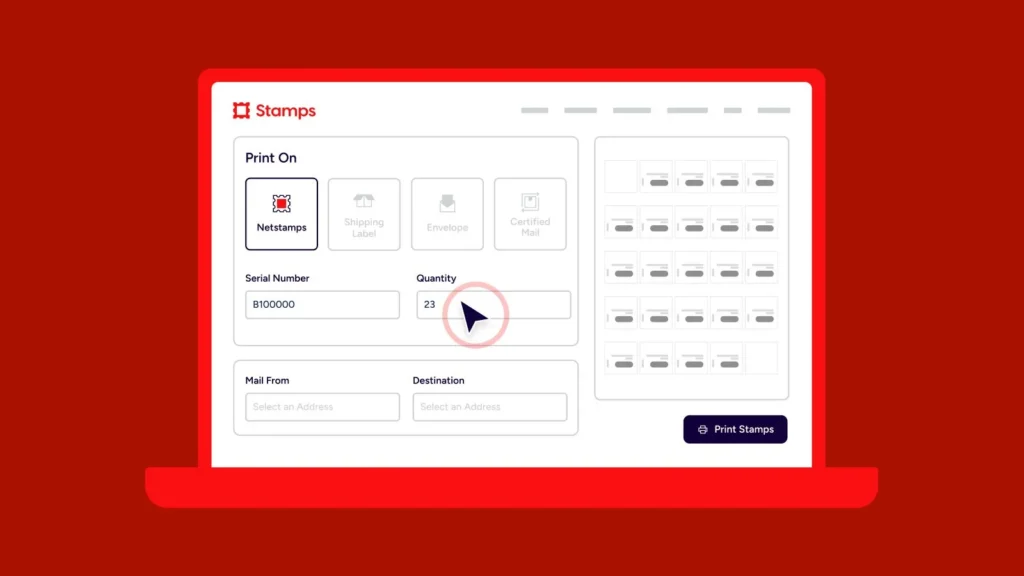
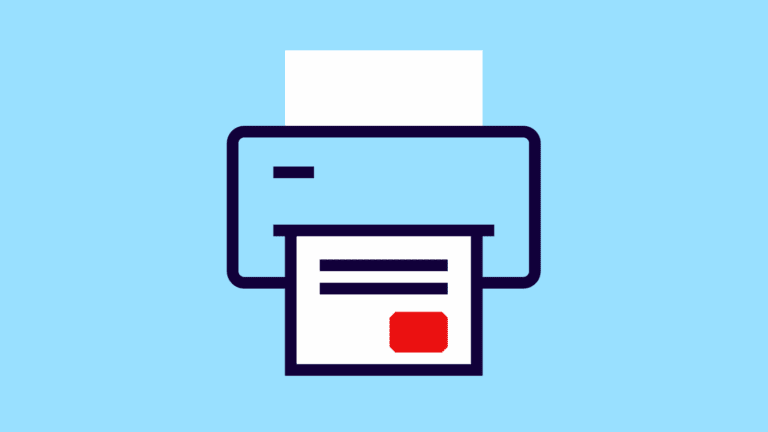
Using Stamps.com in conjunction with your Microsoft Word mail merges eliminates that last step. Not only do you get customized content and matching addresses, but your postage is printed right onto your envelopes, eliminating the need for any manual labor at all.
If you don’t use Microsoft Word Mail Merge, you can import your data directly into Stamps.com and batch print envelopes, shipping labels, trifold letters and more. Trifolds are particularly efficient from a resources standpoint because everything is printed on the same page at the same time—content, delivery and return addresses and postage. They may, however, require a little more labor time since they need to be folded properly before they can be mailed.
For step-by-step instructions on how to perform a mail merge with Microsoft Word and Stamps.com, please see http://stamps.custhelp.com/app/answers/detail/a_id/27/