

















Your seasonal hire starts Monday. By 9:15 AM, they have a client file open and three questions nobody wrote down. Which template do I use? Who signs this? Should this client get a call first?
You know the answers without thinking. The new person can’t, so they ask, and you stop what you’re doing. Multiply that by every file and every new hire, and your busy season slows down before it speeds up.
Training isn’t the real problem. Judgment calls are.
Professional services work runs on a calendar. Tax season. Medicare’s Annual Enrollment Period, which runs through December 7. ACA open enrollment, which opened November 1. Year-end client documents in December, and 1099s due to recipients by January 31.
None of those dates move, and someone still has to prepare, file, and send the paperwork. If you plan to onboard seasonal staff no matter what, the goal is simple: get them productive by lunch on day one. The fixes below also tend to shrink the number of people you need.
Every office runs on rules that live in someone’s head. Engagement letters go out before any work starts. Mrs. Alvarez gets a phone call, not an email. Anything with a filing deadline gets a second set of eyes. Call it tribal knowledge: the know-how veterans carry that nobody ever wrote down.
It works fine until you add people.
Your first step takes about an hour. Follow one client matter from the moment it lands on a desk to the moment it’s closed out. Write down every choice someone makes along the way.
That list is your real training manual. Most of it shouldn’t be a choice at all.
Once you’ve mapped the choices, settle each one once and write it down. A checklist works the same on day one as it does on day 300, and it doesn’t care who’s at the desk.
Start with the work that repeats most. Intake steps. Document templates. Naming rules for client folders. Who gets copied on what. Each one is a question a new hire would otherwise ask you.
Keep it to one page. A temp doesn’t need to know why a rule exists. They need to know what to do.
A temp needs to do the work in front of them. They don’t need to change a billing setup, edit a shared template, or move client folders on day two.
Give each person their own login and access to the files they’ll actually use. Keep billing, account settings, and master templates with your core team. One wrong click in the wrong place can cost more than a slow first hour.
It also protects you. When every task ties back to a person, “who touched this?” has a quick answer.
The easiest job to teach is one with almost no decisions left. Break the seasonal work into a few repeatable tasks, each with a start, a finish, and a place to check it off.
Then give each person a short, specific list instead of a general role. “Scan, name, and file incoming documents” is a job someone can learn in an hour. “Help with tax season” isn’t.
Pair that list with one person who answers questions. Not the whole office. One. That keeps interruptions from spreading, and it tells you which questions keep coming back.
When the job is mostly following a list, onboarding fits into a short first session. Try this sequence:
If a question keeps coming back, that’s a decision still living in someone’s head. Turn it into a rule.
Mail is one of the quietest places for tribal knowledge to hide, and it’s easy to overlook until a temp is standing at the outgoing tray. Someone has to know what goes Certified, which return address to use, and which client or matter gets the postage. Most offices have answers, but few have them written down.
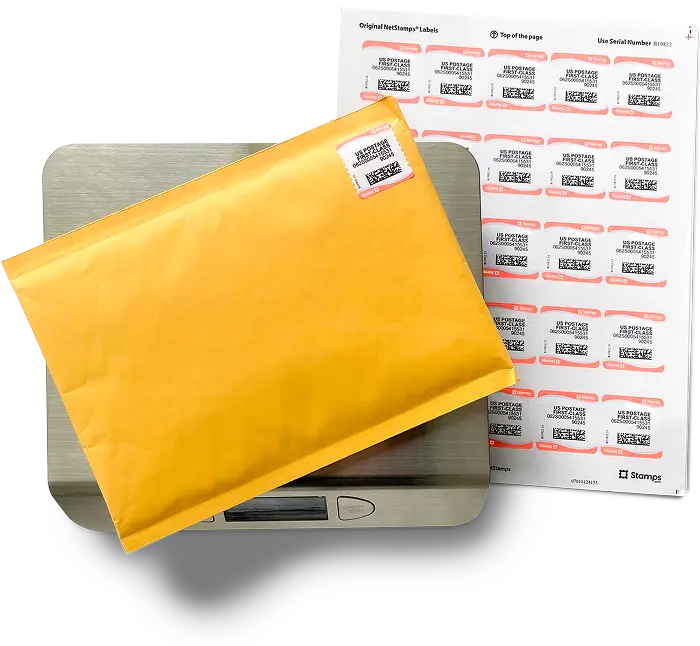
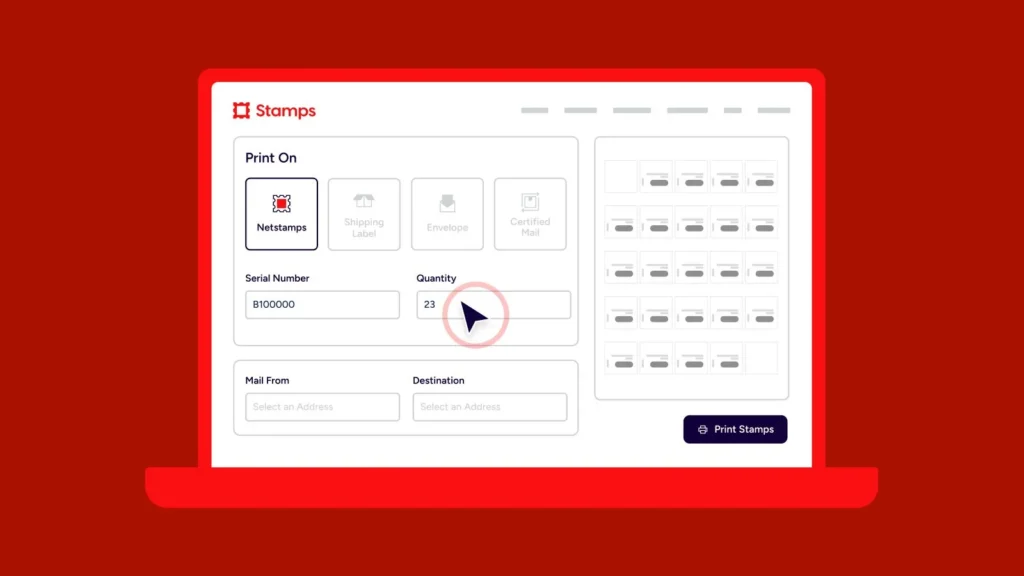
A few choices can move out of people’s heads and into the tool. With Stamps.com, you print postage from the desk at discounted rates, so nobody guesses at the amount. Certified Mail comes with tracking, so proof of delivery exists without anyone remembering to ask. Cost codes tag each mailing by client or matter as it prints, so a new hire picks from a list instead of deciding.
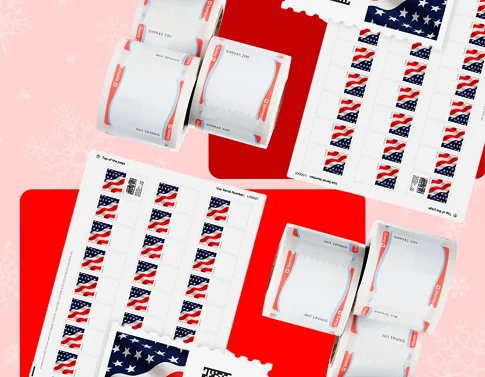
Supplies can be ordered online—stamps, literally everything we need is on the Stamps.com portal.
Printing at the desk also takes the post office trip out of the job. The trips add up. In Stamps.com’s survey of 500 professional services workers, nearly 3 in 10 administrative assistants and receptionists spend five or more hours a week on mailing-related admin. And 53.3% still make at least one trip to the post office every week.
Add three lines to your cheat sheet: what goes Certified, which return address to use, which cost code belongs to which client. That’s the whole mail lesson.
Those five-plus weekly hours are worth a look before you post the job. If your team loses a chunk of every week to errands and guesswork, the capacity you’re about to hire for may already be hiding in your calendar.
That doesn’t replace good people. Someone still has to prepare the files, check the details, and call the client who has a question. But fewer decisions per task helps on both fronts. You hire only the seasonal help you truly need, and the people you do bring on get up to speed faster.
When you onboard seasonal staff, they’ll only be as fast as the process you hand them. Before the next person starts, map the decisions, write the checklists, and keep account controls with your core team. Then give them a short list and a clear first day.
Start mailing smarter with Stamps.com—get your process ready before your busy season starts.