
















Reliable delivery keeps a small business moving. Orders depend on accurate addresses, and customers expect their packages to arrive without delay. When an address is incomplete or incorrect, mail and packages bounce back, carriers charge extra fees, and customers lose trust. USPS address verification solves this by helping confirm that every address on an order is real, complete, and deliverable.
Customer address verification with USPS is straightforward: compare a customer’s submitted address with the official USPS database, which includes every mailable location in the country. When a business uses the USPS verification tool, it checks an address against this list.
If the address doesn’t exist, you receive suggestions or corrections. The system may update missing components, fix misspellings, or standardize the layout, reducing the likelihood that a carrier struggles to interpret the label or that a package is delivered to the wrong mailbox or doorstep.
A single invalid address can create delays, refunds, and repeated shipping attempts. Even a minor formatting issue—an extra space, a missing directional, an outdated ZIP Code—can interrupt delivery.
USPS verification steps in before those problems surface, playing a crucial role in the day-to-day operations for small businesses and ecommerce organizations that rely on efficient mailing and shipping.
Every deliverable address follows a specific structure. USPS address standardization ensures consistency, allowing automated sorting machines and delivery staff to read labels accurately without confusion. It also supports error detection by flagging issues before a package even leaves the warehouse.
The format includes clear rules: the primary address line, secondary unit (when needed), city, state abbreviation, and ZIP Code. Standardization may seem insignificant, but it’s how millions of packages are sorted every day. When a business uses a USPS address standardization tool to ensure addresses follow these rules, delivery becomes more predictable and less costly.
Getting an order to a recipient quickly and without hassle is vital, and using software that applies USPS formatting automatically streamlines a sometimes messy part of fulfillment.
Stamps.com’s mailing and shipping software features a built-in Address Verification tool designed specifically to catch errors, standardize formats, and help ensure your mail and parcels arrive on time and in full.
If your business deals with frequent mailing or shipping—whether it’s invoices, customer orders, legal notices, or other important documents—enabling address verification in Stamps.com is a simple way to reduce the risk of undeliverable mail, returned packages, and time wasted on follow-ups.
Once enabled, Address Verification runs automatically when you create a label, becoming a part of your regular mailing workflow.
If the system detects an issue, users receive a warning notification for an ambiguous address (only city/state/ZIP code matched) or an invalid address (missing key fields).
In many cases, the system suggests a corrected version of the address and displays alternative versions from the database, allowing you to select the correct one.
The system corrects casing, abbreviations, and spacing, saving the team from doing this work manually. It also helps customer service teams by reducing support conversations about missing shipments.
Small businesses operate with tight margins and limited time. Avoiding delivery problems with verified addresses means fewer returns, reships, and customer complaints.
By leveraging USPS data and formats, a business gains the confidence that orders will arrive where they need to go. That confidence builds trust with customers, strengthens operations, and supports growth—one accurate address at a time.
Address verification is not just a nice-to-have—it’s a tool to avoid postage waste, delays, and failed deliveries.
As USPS shipping software and USPS shipping label software, Stamps.com handles address verification automatically as part of label creation. Get started with a free trial of Stamps.com now to spend less time worrying about whether your mail arrives and more time focusing on what you do best.
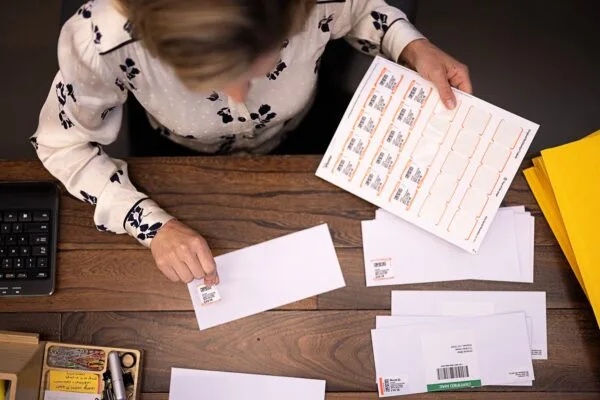
Stamps.com turns your printer into a full-service mailing and shipping center. The best part is how simple it is:
Stamps.com is the all-in-one solution designed to help you:
Every label printed with Stamps.com comes with carrier-approved tracking. You can log in to track delivery anytime. You can also send shipment notification emails with tracking links directly to your recipients—saving you time and keeping customers informed.
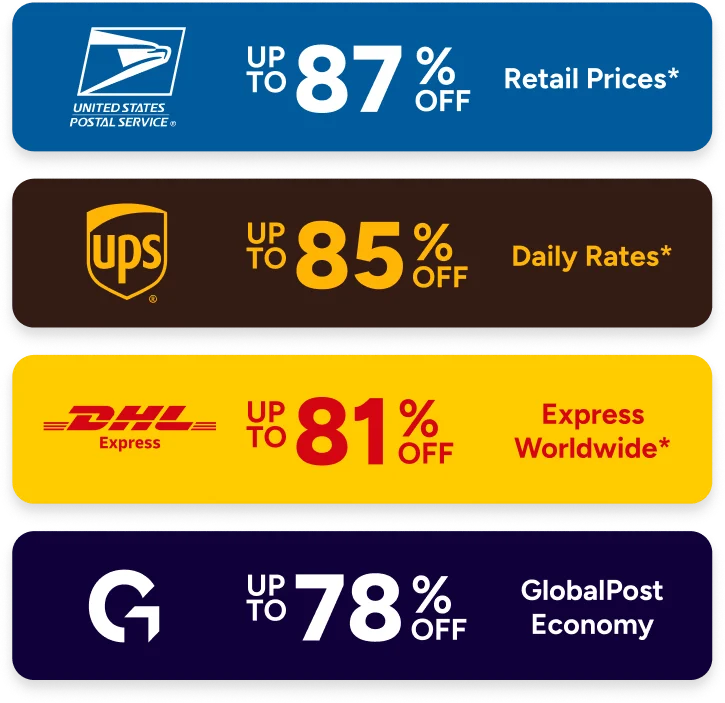
Yes. Stamps.com provides automatic access to Commercial Pricing and negotiated discounts that aren’t available at the Post Office. You can save up to 87% on USPS® rates, 82% on UPS®, and 40% on package insurance for items valued over $200. Unlike postage meters or DIY trips to the Post Office, there are no hidden fees, ink costs, or equipment leases.
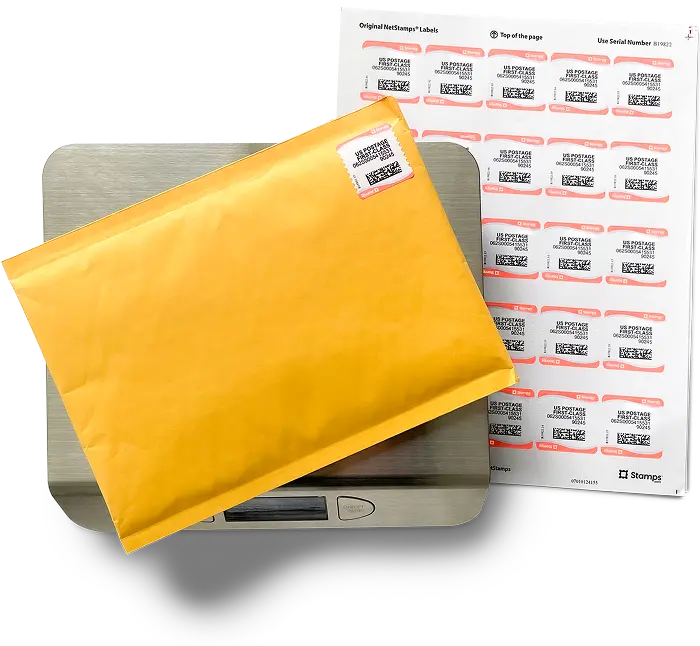
We offer new customers free supplies including free NetStamps and a 5 lb scale so they can get started with the basics required to get the most out of Stamps.com
Yes. Mac users can access Stamps.com through any web browser. You can print postage, labels, and Certified Mail® forms directly online. And, if you don’t like managing multiple tabs in your browser, you can download our free desktop app for Mac or PC, which has the same functionality.
Get the Stamps.com appNo. First Class Mail® stamps printed with Stamps.com never expire. If rates change, you can print make-up postage or combine stamps so you never lose value.
Stamps.com is a trusted online mailing and shipping platform that makes it easy to print discounted USPS®, UPS®, DHL Express, and GlobalPost® postage and shipping labels right from your computer in under two minutes. For nearly 30 years, millions of businesses have relied on Stamps.com to save time, cut costs, and simplify everything they send—whether it’s a letter, a Certified Mail® form, or a package.
Learn more about Stamps.comStamps.com is built for busy individuals and businesses of all sizes:
Stamps.com is part of Auctane, a global leader in shipping and logistics software that includes ShipStation, Metapack, Packlink, and others. Together, Auctane companies empower millions of businesses to ship smarter, save money, and scale with confidence.
Yes. Stamps.com lets you print professional shipping and return labels for all major carriers. Use plain paper, sticky labels, or thermal printers. Labels include barcodes and tracking, so your shipments are always ready to be scanned and delivered on time. You can even use our mobile app to print labels via WiFi or QR-codes when you don’t have access to a printer.
With just a few clicks, you can prepare Certified Mail® online—no green cards or manual forms required. Labels include tracking and electronic return receipt options, giving you peace of mind for critical business documents.
Our support team is always here for you:
Yes. You can connect your shopping carts and marketplaces including Shopify, eBay, Amazon, and Etsy with Stamps.com in under 5 minutes. You can also import your orders from a CSV file, Microsoft Excel, XML, or your own ODBC.
Generally, it takes Priority Mail International six to ten business days. USPS hands off shipments at the border of the destination country before the local postal service completes the delivery.
We offer new customers a 30-day risk free trial to see if Stamps.com is right for them. Cancelling any time within the 30-day time frame will result in no charges; however, if you continue past your 30‑day trial, you will be charged a monthly subscription including your first month's fee. Your service will continue uninterrupted unless you cancel.
Drop off your shipment 24 hours a day, seven days a week at one of the 60,000 UPS dropoff locations across the United States. This includes UPS Stores, UPS Drop Boxes, CVS, Michaels, and Advanced Auto Parts.
Yes. After you're printed your shipping label, you can generate a pre-addressed pre-paid return label your clients can use to send items back.
Yes. Stamps.com allows you to print up to 10,000 labels in one click.
Yes. You can add users to the same Stamps.com account - user limits vary by plan. If your organization has multiple locations, you can switch to our multi-location plan. Visit stamps.com/multilocation to learn more
Yes. Our reports show you you activity and total spend by carrier, mail class, shipping service -- so you always know how much you send. You can customize your reports by date and, if you are on our multi-location plan, you can also view activity and spend per location and user.
No. All you need is a printer and your computer or phone. You can print shipping labels on plain paper or adhesive labels, postage on our NetStamps® labels or direclty onto any kind of envelope, and on Certified Mail® forms.
No. DHL Express typically does not deliver on Sundays in most regions. However, Sunday delivery may be available in select areas or for time-definite international shipments with specific service upgrades. Check with DHL directly for regional availability.
No. Our negotiated carrier discounts ensure you pay less for First Class Mail® stamps and get up 88% off shipping services from USPS, UPS, and other top carriers. These are discounts you will not find at the Post Office as they are reserved for high volume enterprises. Check stamps.com/carriers for latest on carriers and rates.
Yes, when you are configuring your label, all you have to do is enter your recipient's email address to ensure they receive tracking information for their package. This email includes the delivery address, mail date, mail class, estimated delivery date, special services, a customizable personal note, and a link with the tracking number.
Yes. Stamps.com can pull order or customer information from virtually any database, from Excel to SQL. Stamps.com also creates an export file that includes mail class, mail date, shipping cost, and tracking number.
Yes. Mac users can use our web app on any browser, or they can download our desktop app for Mac for free. Visit stamps.com/download to access all of our apps including our free mobile app.
Log in and navigate to your subscription page to cancel from within the app, or simply call our toll-free number 855-608-2677, M–F 8AM to 8PM CT and our customer support team will be happy to assist you. You can cancel any time.
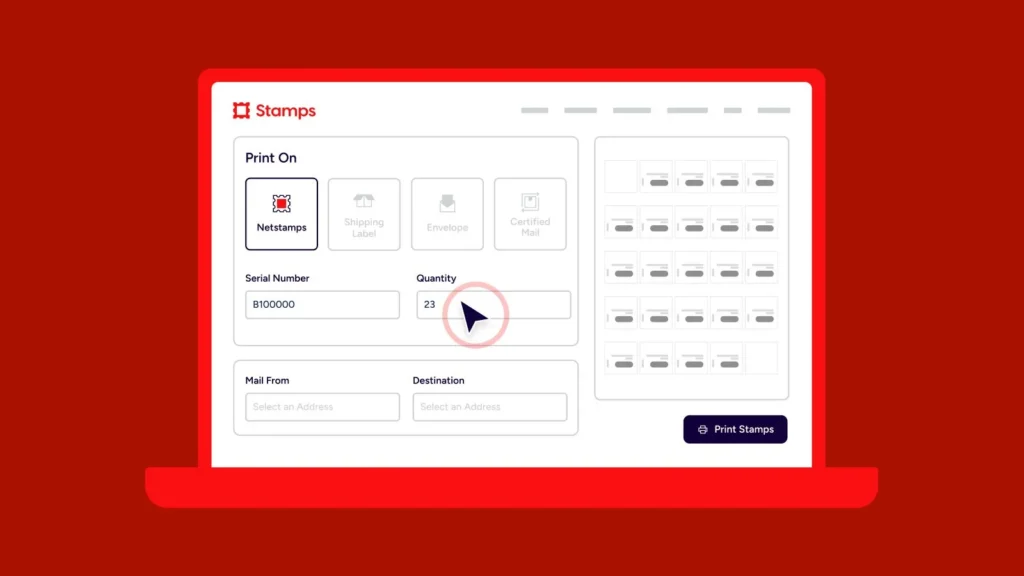
You can print NetStamps if you have a Stamps.com account with sufficient postage balance. After logging in to your account, simply select print on “NetStamps,” choose how many to print, select to print on a NetStamps sheet or roll, and click print!
You can log into your app and visit your "history" page to view real-time tracking information for every item you send. You can also enter your tracking number on the UPS website to see tracking updates.
While price varies depending on weight and destination, rates for this service begin at $17 dollars.
Our multi-location plan, designed for companies with 2+ office locations, gives each location the ability to print postage and labels as needed, while capturing information about how much is sent and spent in a single dashboard to give the business the ability to budget. No leases, no contracts, and best-in-class support available when your users need it. Visit stamps.com/multi-location to learn more
UPS Ground tracking uses a system of scans to update customers on the location and status of their packages as they move through the UPS network. Each package is assigned a unique tracking number, and as it travels, it's scanned at various points, including when it's received, when it's transferred between facilities, and when it's out for delivery.
NetStamps are USPS-approved blank labels on which you can print your own stamps. Simply buy postage on Stamps.com, use any printer to print on a NetStamps sheet or roll, and stick the NetStamp to an envelope, postcard, or other First Class Mail.
UPS Standard generally delivers within 1 to 5 business days, with residential deliveries typically occurring between 9 AM and 9 PM. The exact delivery time depends on the distance the package travels and the specific destination.
Regular, Legal, and Padded
UPS 2nd Day Air guarantees delivery by the end of the second business day. For time-critical shipments, you can choose UPS 2nd Day Air A.M., which delivers by 10:30 AM, 12:00 PM, or 2:00 PM (depending on destination) on the second business day.
UPS 3 Day Select guarantees delivery by the end of the third business day after the package is picked up, with deliveries typically occurring Monday through Friday. It's a reliable option for shipments that aren't time-critical but need to arrive within a specific timeframe.
UPS Ground Saver typically delivers packages within 2 to 7 business days across the contiguous United States.
DHL Express is a premium international shipping service that offers fast, time-definite delivery to over 220 countries and territories. It's designed for urgent packages, with door-to-door tracking, customs support, and express delivery options for businesses and individuals.
The Shipment Confirmation Acceptance Notice (SCAN) form ensures that your packages are scanned by the USPS when they are dropped off or picked up by a mail carrier, so your customer can feel confident that their package is on its way.
Using Stamps.com, you’ll be able to create a SCAN form with a few clicks. Then, hand the form to the clerk or mail carrier, and they will scan the barcode on the form. This scan records an Acceptance event for all the packages associated with the form without having to scan each package individually.
After a label is printed, Stamps.com automatically uploads the USPS tracking numbers, order info, and mail class back to the order source, including eBay, Amazon, Etsy, and your shopping cart.
Yes. Your packages may be inspected to ensure compliance, as USPS is very strict about what items qualify for Media Mail.
Stamps.com makes international shipping easy by offering international services from USPS, UPS, and other carriers including GlobalPost. We make customs forms hassle free, so you can complete them online with ou guidance, and simply print to include with your international shipment.
First-Class Mail International®
With USPS, Stamps.com customers have access to Commercial Base, Commercial Plus, Cubic Pricing, and Negotiated Service Agreements. Savings include:
With UPS, Stamps.com customers get up to 73% off UPS 2nd Day Air® and up to 77% off UPS® Ground Daily Rates.* Plus, many common surcharges are waived, including the residential surcharge for UPS Ground shipments.
*UPS rates are limited to shipping from the continental U.S. only. These rates and discounts exclude shipment origins from Hawaii, Puerto Rico, and Alaska. These rates and any applicable discounts are subject to change at any time without notice.
We support all printers from laser and inkjet to high speed thermal printers.
Stamps.com gives you access to all mailing and shipping services from USPS, UPS, DHL, and other top carriers. Visit stamps.com/carriers for a full list.
Educational materials like books, music, or videos that never include any products or advertising.