















How can you reach a wider audience and increase sales? Try shipping internationally! Your products are amazing, and more customers should see what your business has to offer. International shipping may require a slightly different shipping process than domestic shipping. However, international shipping is a way to boost sales, and we’ll show you the steps needed to create an international shipping process.
Much like domestic shipping, international shipping comes with a set of restrictions and guidelines. International shipping restrictions may vary from carrier to carrier and by whether your shipment will be traveling by air or ground-based carrier services. Each carrier’s shipping restrictions can be found on their website. For more information about international shipping restrictions, contact your carrier directly.
Once you’ve reviewed the international shipping restrictions applicable to the products your business ships, communicate these guidelines with customers. Explaining international shipping limitations to your customers during the checkout process will create a more pleasant shipping experience. Also, knowing international shipping restrictions keeps shipments from being returned and/or your business from receiving penalties.
Before we talk about paying taxes and duties, let’s discuss the difference between the two. Duties are additional costs given to specific products as they enter specific countries. Duties are imposed on items that can compete with items created within the country. For example, if you’re shipping coffee to a country known for selling coffee, especially at a higher price, the duties added will be greater for this product. Taxes are given to a product based on its overall cost and the amount of taxes on a product will vary from country to country.
If you’re shipping to the UK or the EU, customs forms will need VAT (Value Added Tax) and IOSS (Import One-Stop-Shop) numbers. VAT is determined by a product’s cost, minus any components of the product that have already been taxed. IOSS is a business-specific number given by your store of marketplace and choice. IOSS gives your business the opportunity to pay VAT instead of having the financial responsibility fall on your customers when their package is delivered. VAT and IOSS numbers are tax ID numbers and help determine:
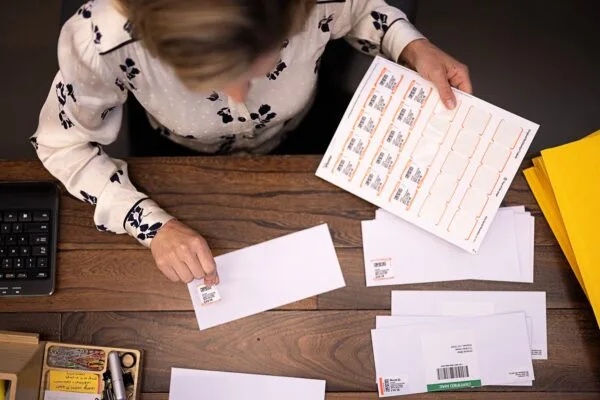
Customs forms are additional pieces of documentation attached to your shipments. These forms can be physically or electronically submitted, depending on the carrier used. Customs forms include information about the content of your package and help your shipment move through customs offices faster.
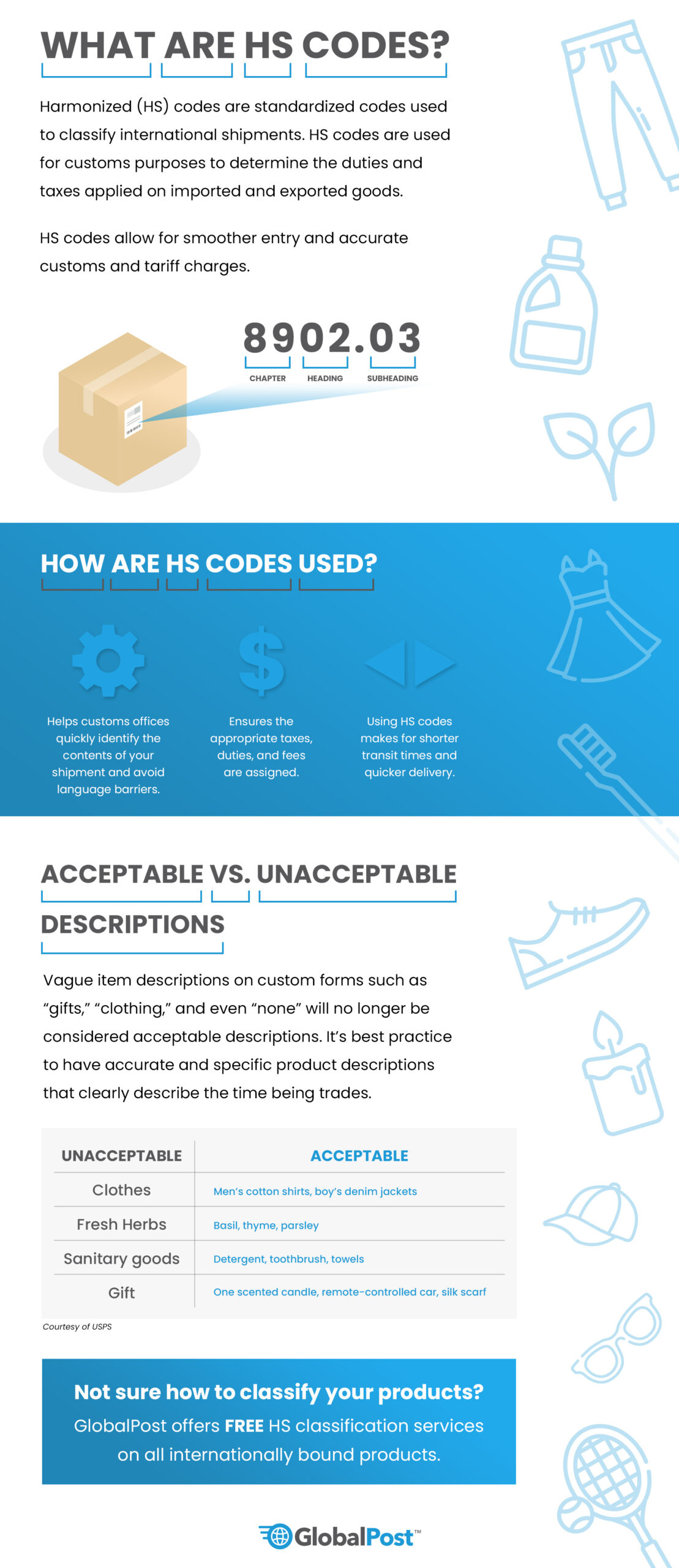
As we mentioned earlier, packages headed to the UK or the EU will need VAT (Value Added Tax) and IOSS (Import One-Stop-Shop) numbers on the customs forms. Additionally, shipments passing through or going directly to most countries in the EU will be required to have Harmonized or HS codes. HS codes are six-digit codes used to represent a product and its attributes. HS codes are also universal, so assigning them to products helps to bypass potential language barriers.
Note: Shipments to Puerto Rico and military addresses are considered domestic shipments but will need customs forms.
Our partner carrier, GlobalPost, provides merchants with an efficient international carrier service. GlobalPost works with carriers across the globe to decrease shipping delays and get packages to your customers safely. When using their GlobalPost Standard International service, you can expect:
Click the Mail tab on your dashboard.
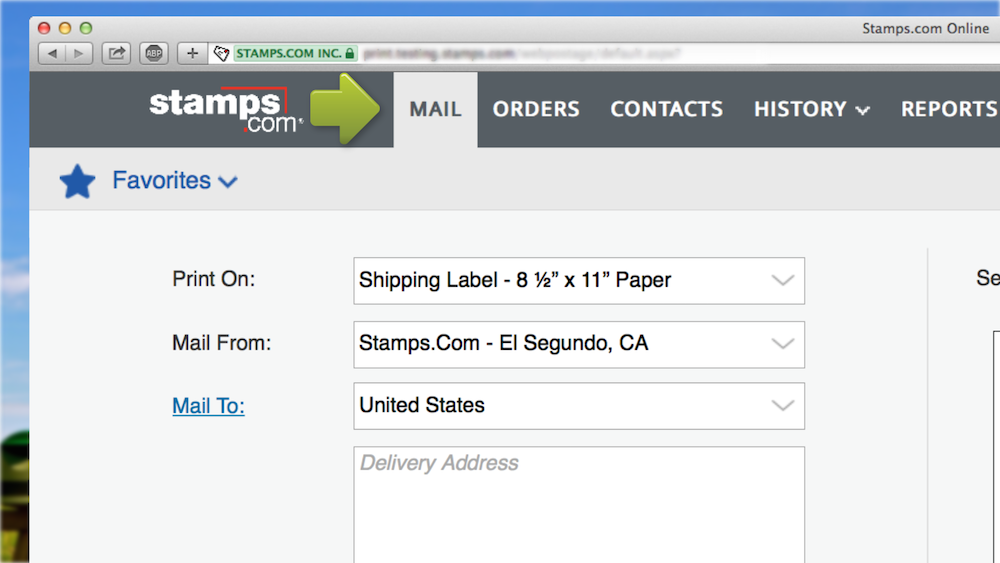
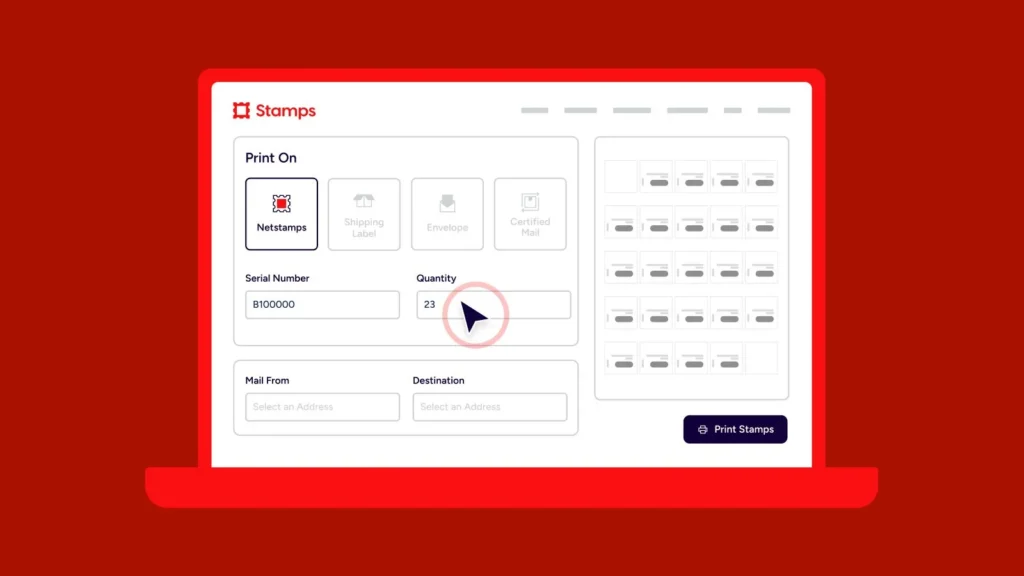
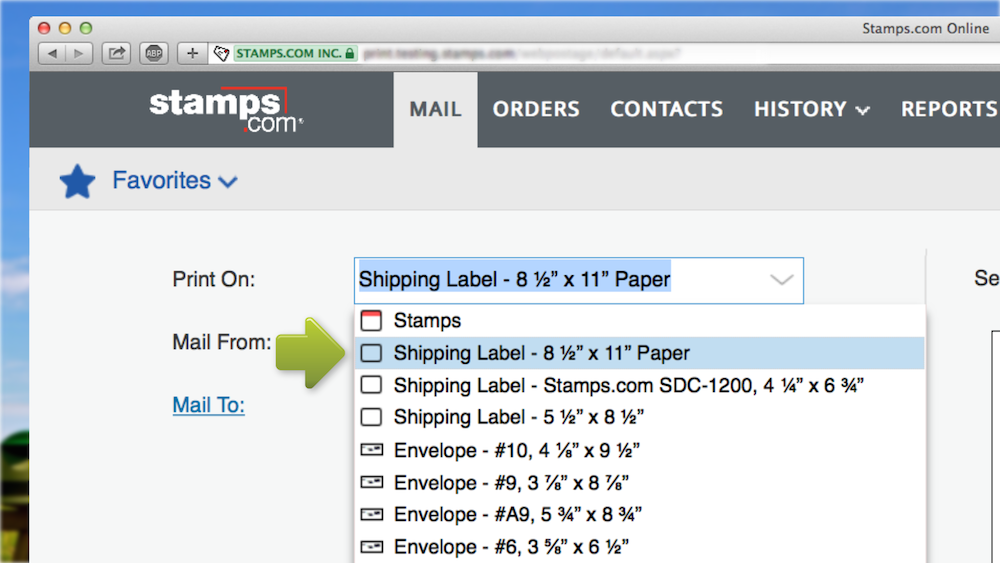
Select your label/paper size from the Print On drop-down menu.
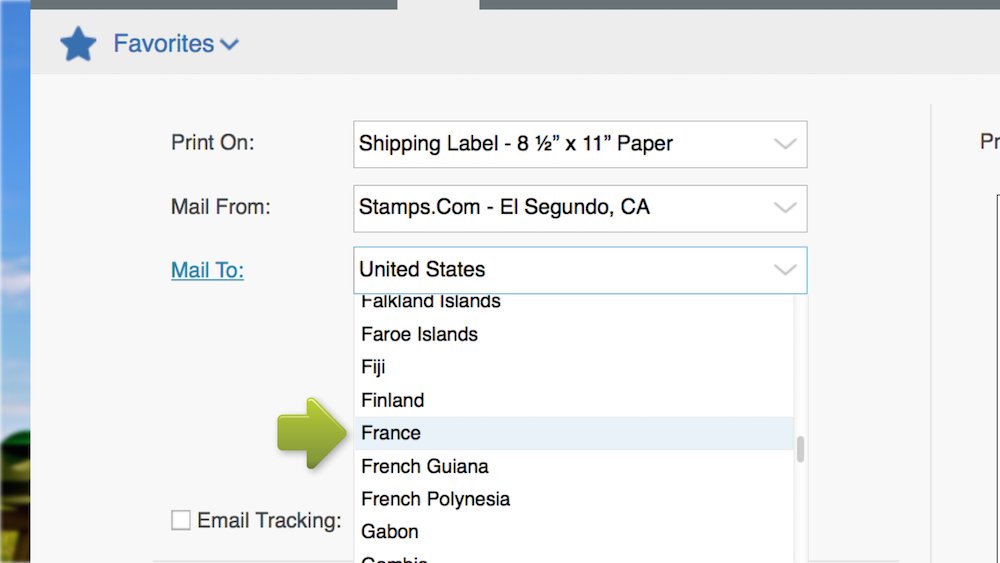
Use the Mail To drop-down menu to choose the destination.
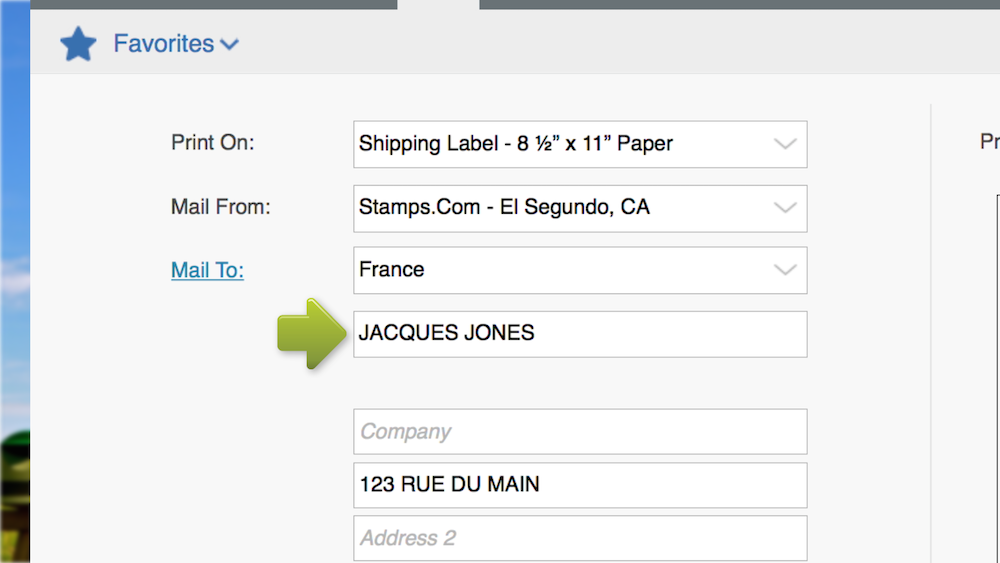
Enter the recipient’s address manually or from your Stamps.com Contacts list.
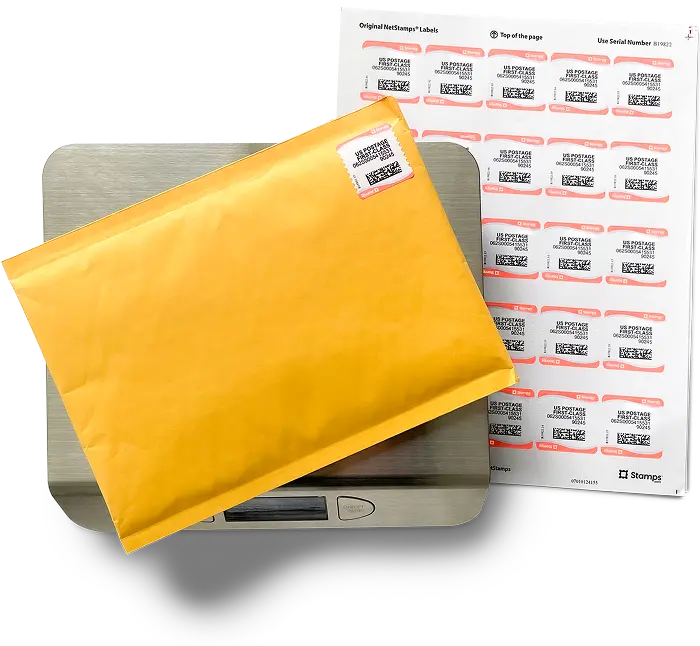
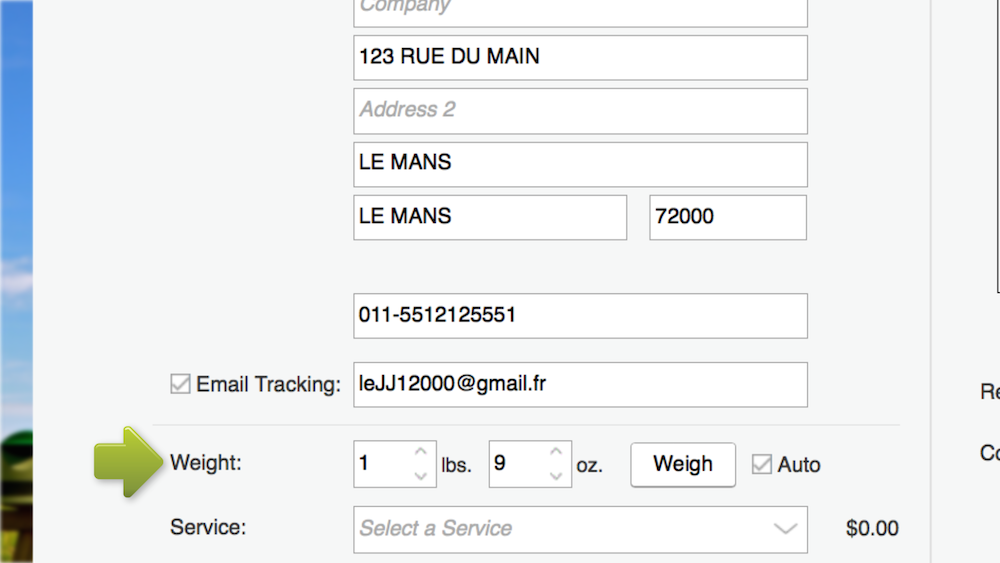
Weigh your shipping materials. If using your connected Stamps.com Postal Scale, the package’s weight will show automatically.* Then weigh each individual item within your box. You’ll need these weights for the customs forms later on.
*Note: Confirm the Auto box next to your item’s displayed weight is checked.
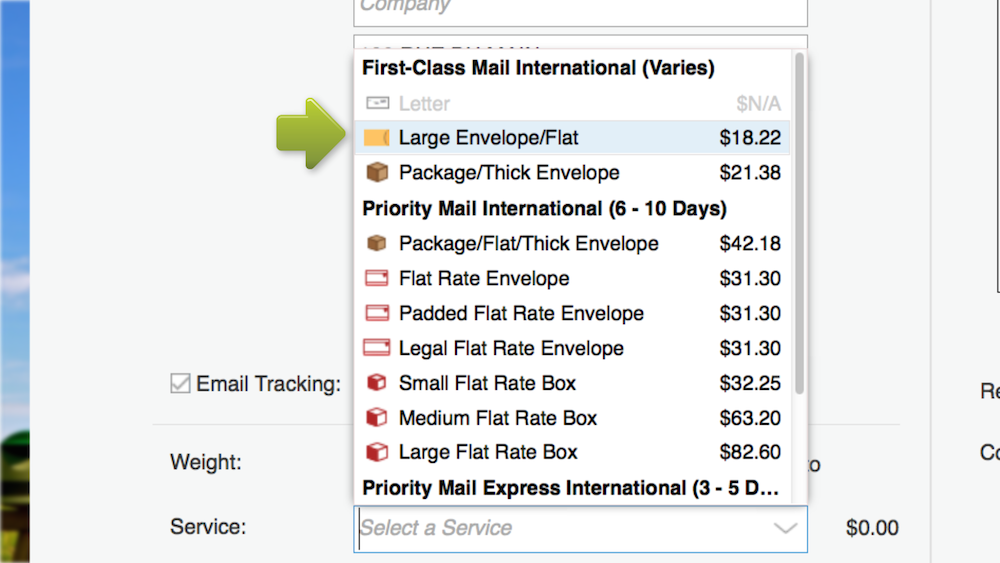
Pick a USPS international service option from the Service drop-down menu. Only options available to the destination country will be shown.
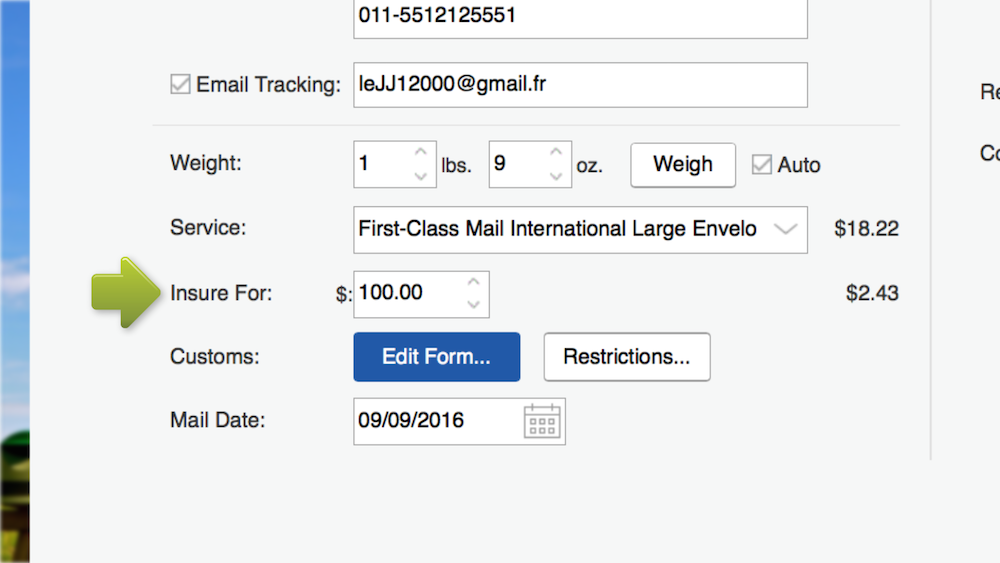
Purchase additional insurance, especially for high-value packages.
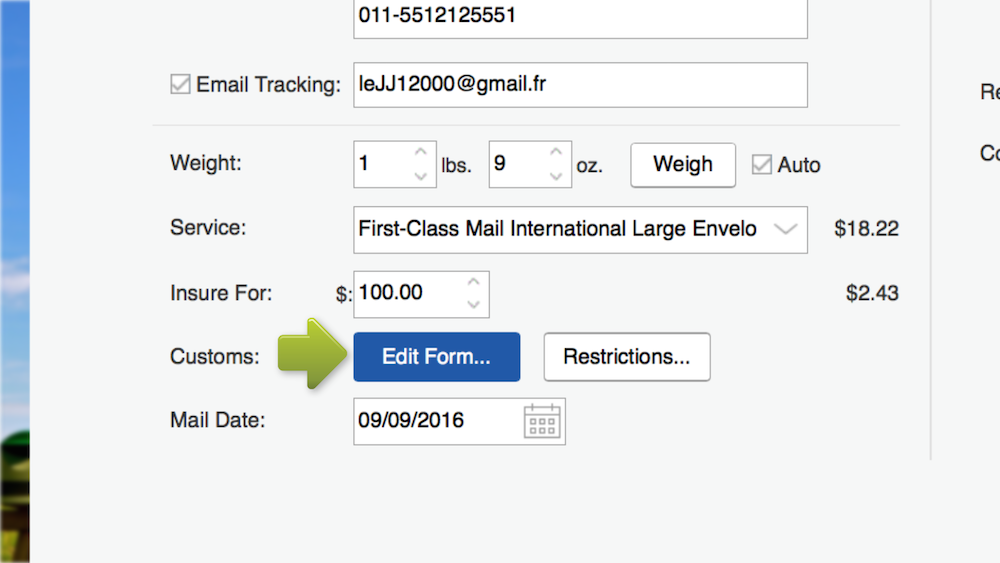
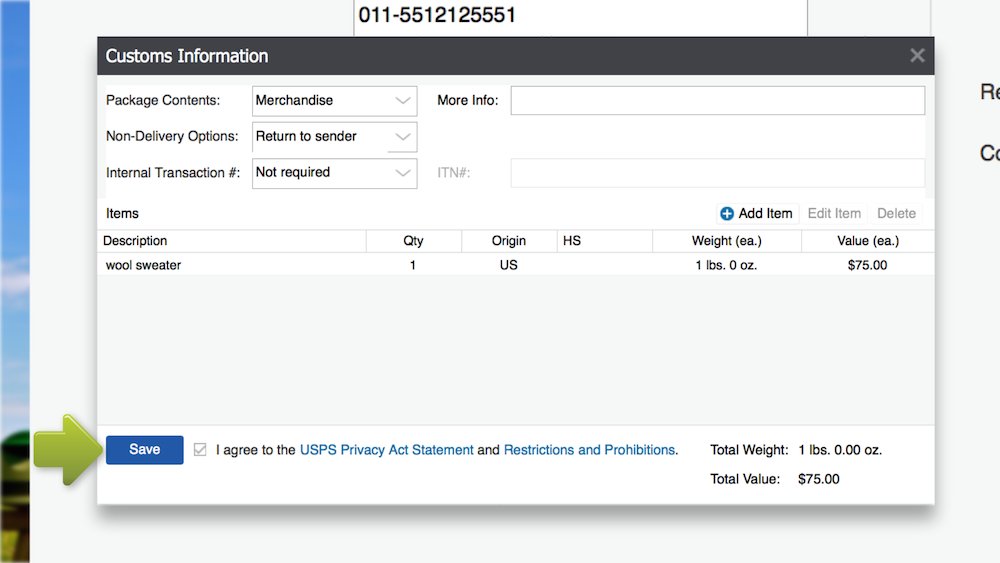
Click Edit Form in the Customs section.
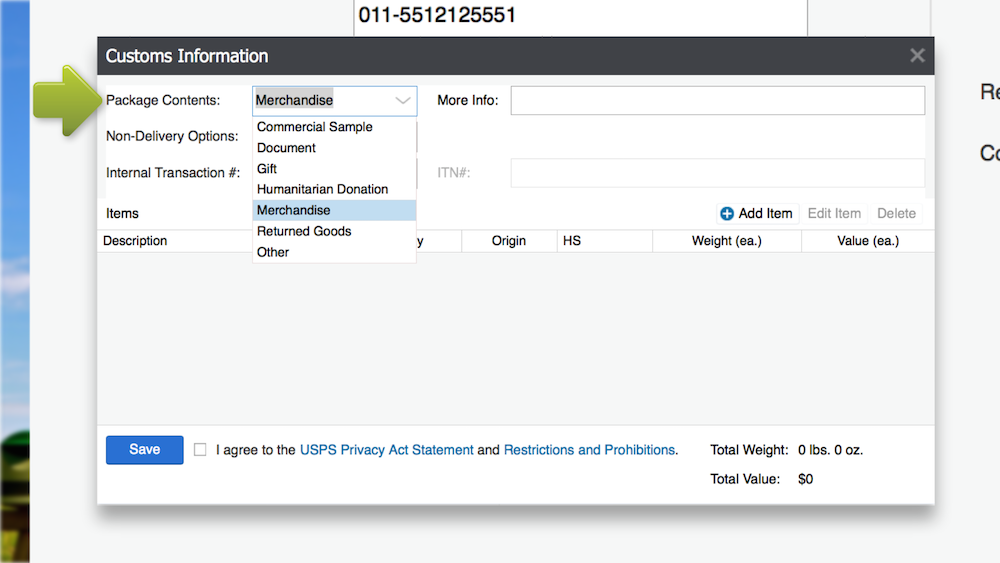
Select the best description for the items you’re shipping from the Package Contents menu.
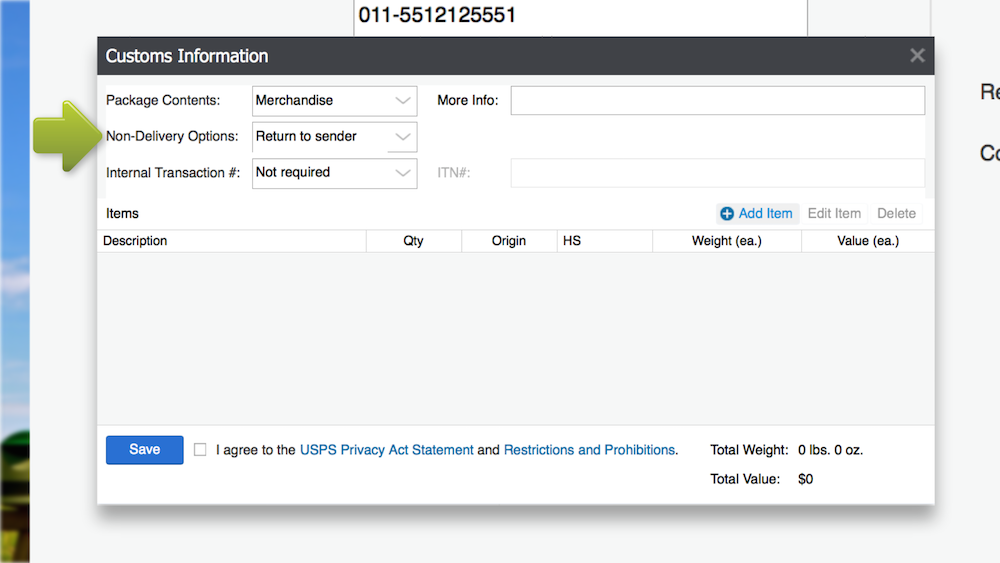
Click the Non-Delivery Options menu and select your preference.
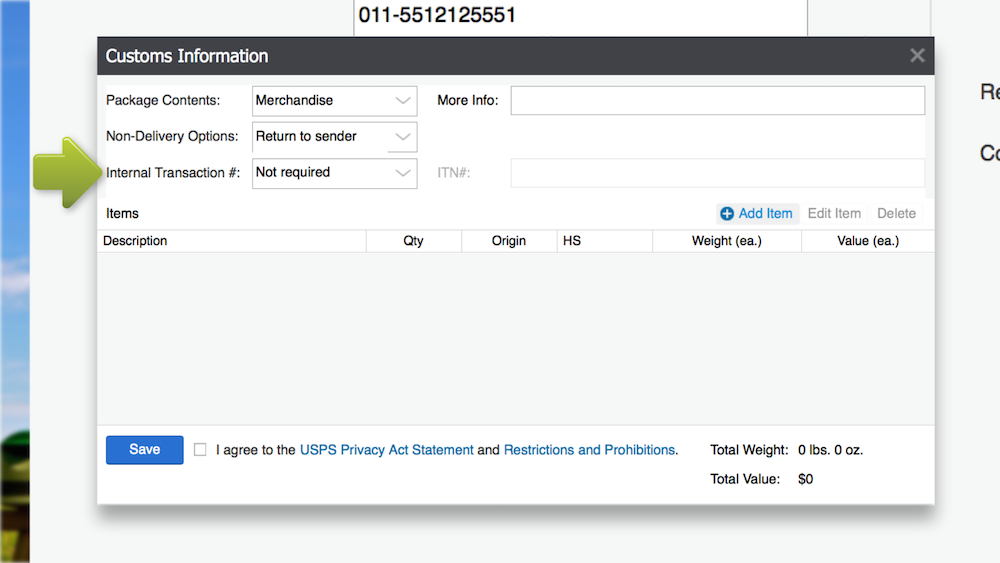
Enter an International Transaction # if applicable.
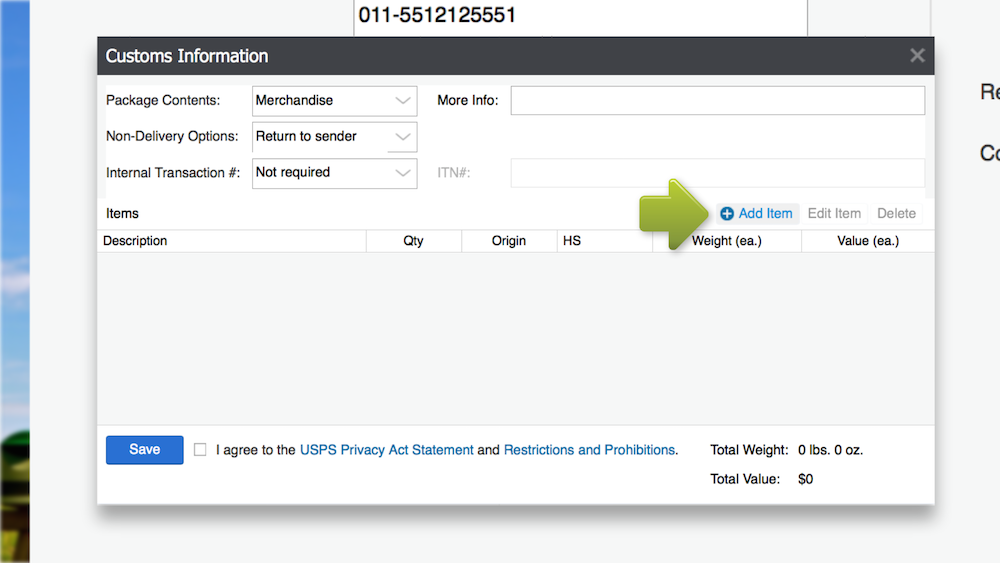
Select the Add Item option.
Here, you’ll add your product’s description, the quantity of the item, as well as the item’s weight and value. You’ll repeat this process for each item in the package. If you need to add a description, remember to be specific for shipments traveling through or to the EU. Avoid general descriptions like “clothing” or “electronics.” Shipments through and to the EU will also need HS codes added. A complete list of customs requirements for each USPS mail class can be found in our Learning Center.
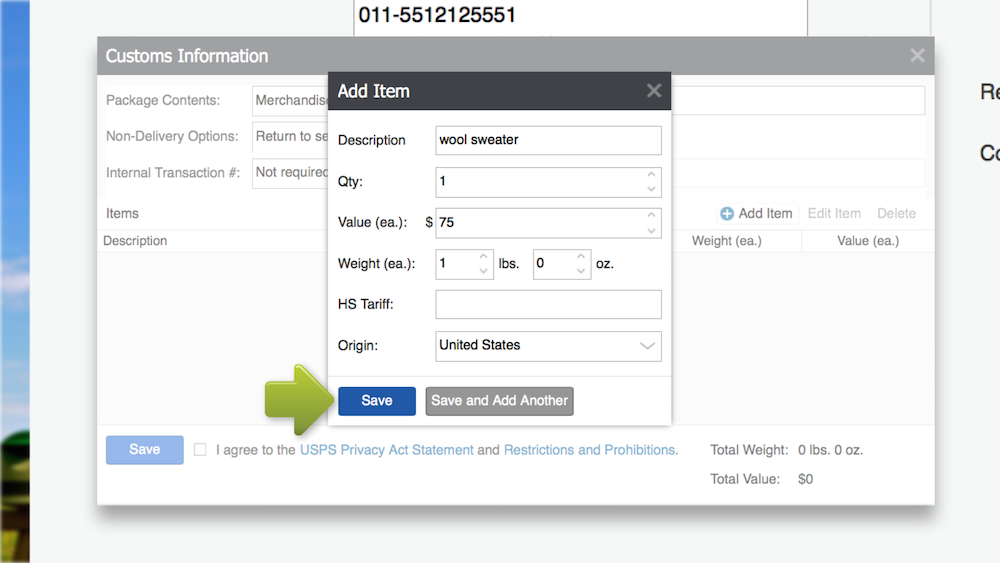
Agree to the USPS Privacy Act Statement and Restrictions and Prohibitions and click Save.
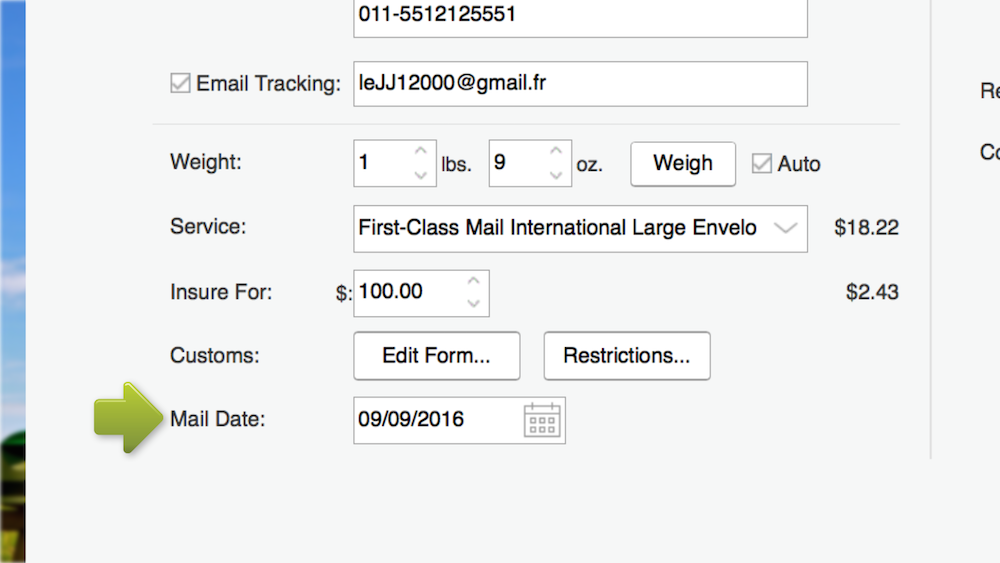
Edit your international shipment’s mail date if the package will not be shipped on the same day the label is created.
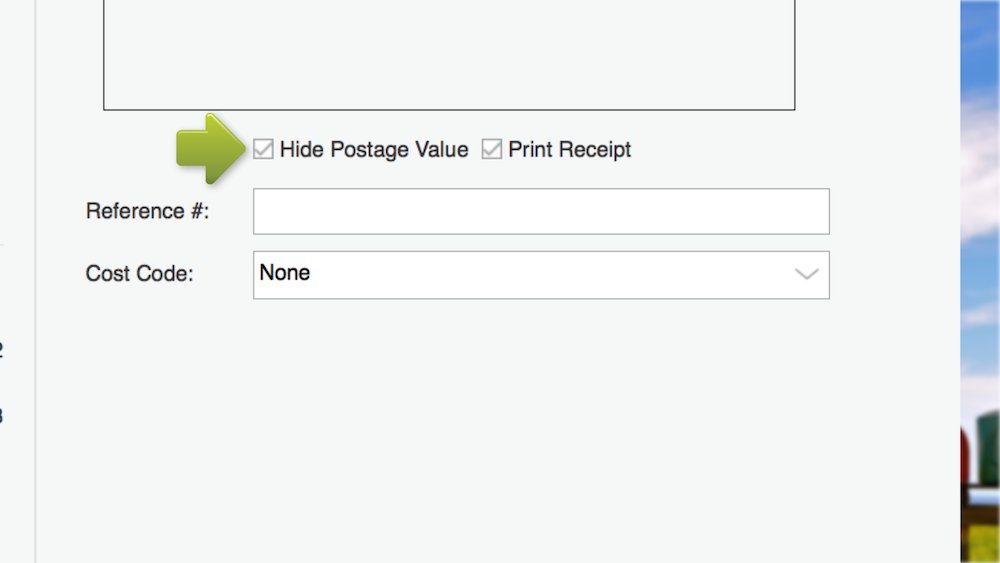
Leave the Hide Postage Value box checked.
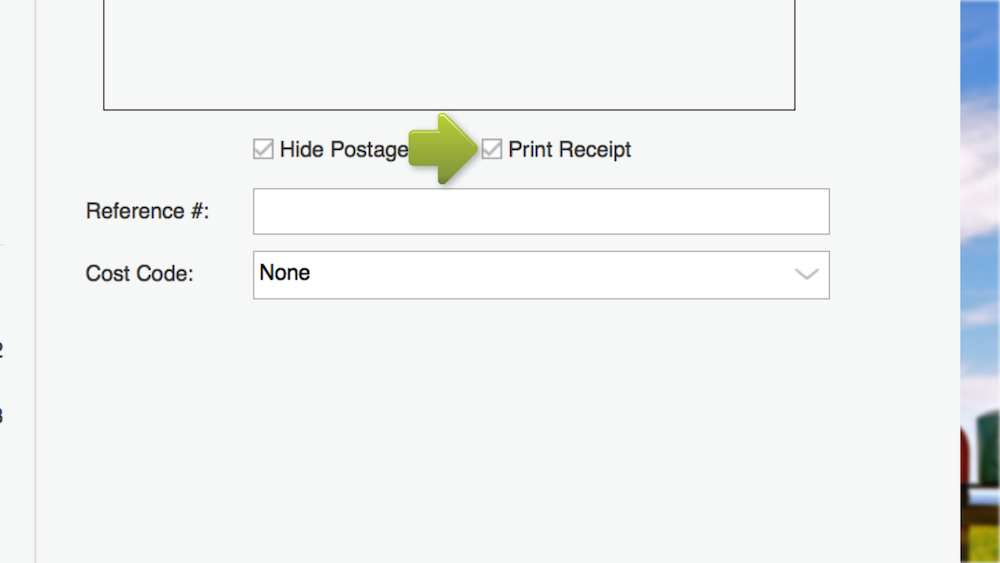
Select Print Receipt if you’d like a printed copy of your receipt when your label is printed.
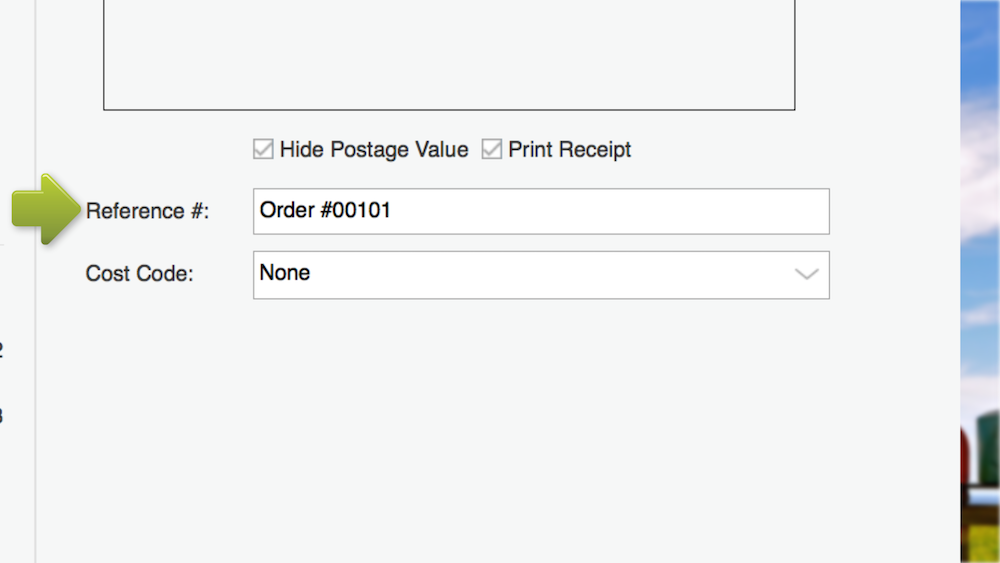
Create a Reference Number for the Stamps.com Print History files.
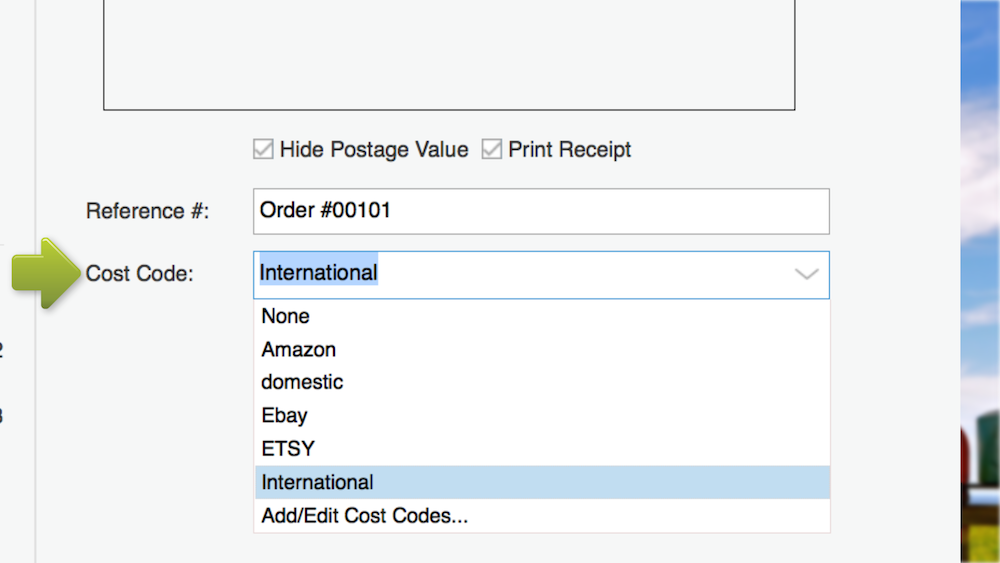
Select or create a cost code as needed.
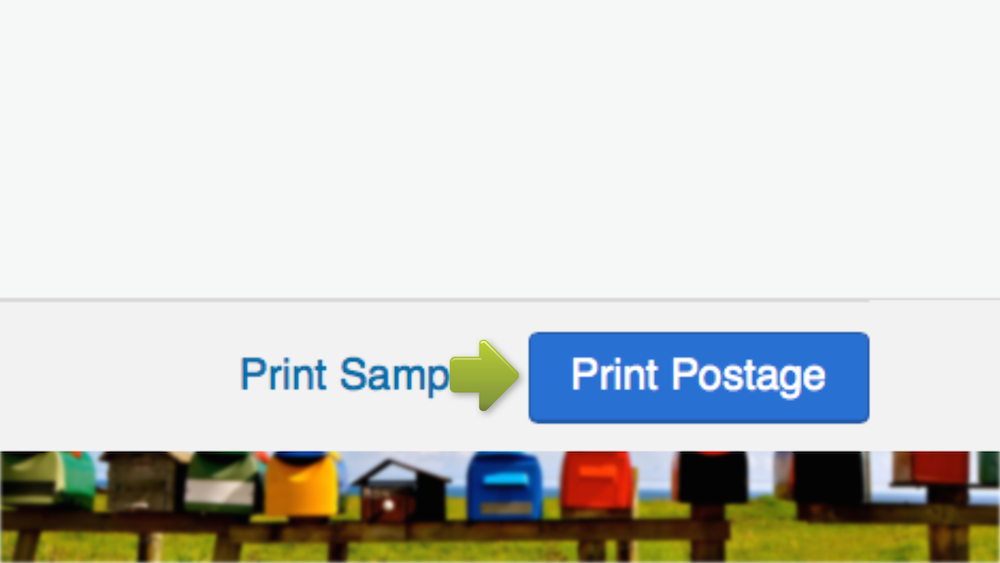
For new merchants, we recommend printing a sample first. Once you’ve confirmed the test print is correct, hit Print Postage.
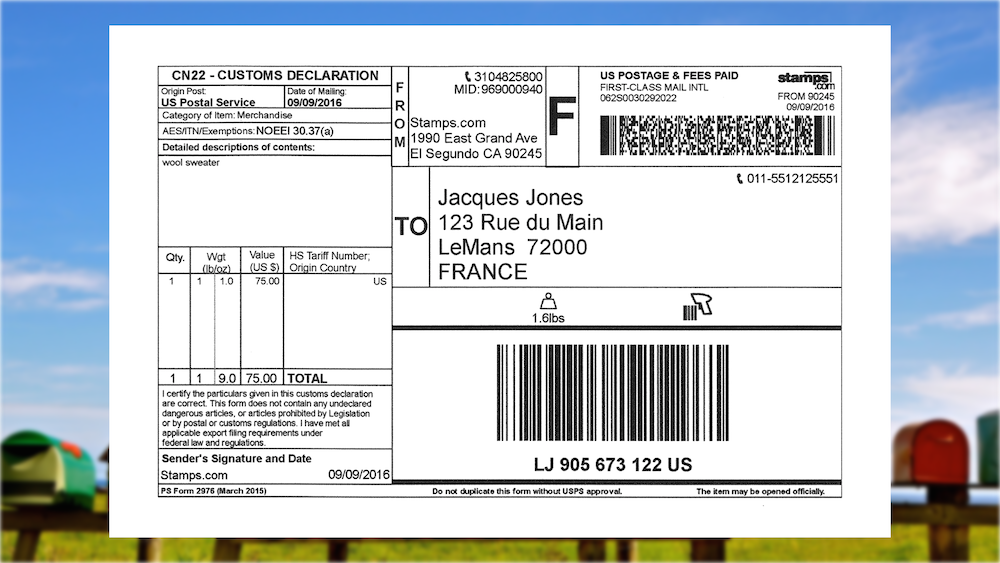
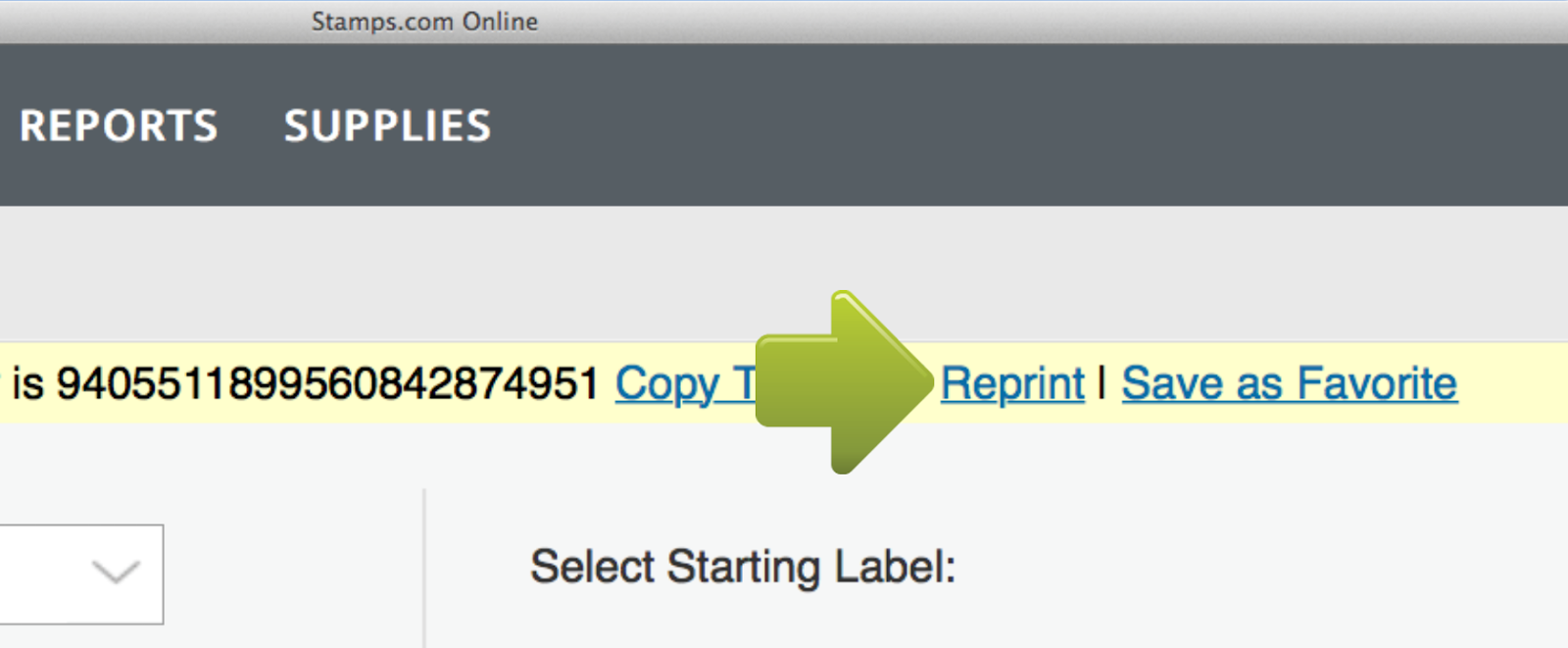
If you notice incorrect information on your label after printing, click the Reprint button on your screen. One big thing to note is you’ll have one opportunity to reprint.
For instructions on creating an international label through Stamps.com’s PC Software, visit our Learning Center.
Want to send a package across borders using Stamps.com? Follow these steps to ensure smooth international shipping:
Verify that the destination country accepts your items and confirm any prohibitions or restrictions before shipping.
Choose whether the customer will pay customs or you (DDP vs DDU). This determines how to set up your label and declarations.
Click the “Customs Form” button when creating the shipment. Enter item descriptions, quantity, weight, value, duty options, HS codes, and origin.
Select among available international USPS or global services (e.g. Priority Mail International, First-Class International) depending on speed, cost, and tracking options.
Finalize by clicking “Print Postage” to generate the international label along with any built-in customs declaration.
Send your package via your carrier’s system or arrange a free USPS pickup if eligible.
You’ve learned how to evade negative shopping experiences for your customers by communicating shipping restrictions. You understand how to complete customs forms and decrease the chance of shipping delays. You’ve found international shipping options with carriers like GlobalPost and walked through creating international labels on Stamps.com. Now, you’re officially ready to open your store to global customers!
Delivery is made by the country's postal service in 3 - 5 business days, depending on the destination.
Generally, it takes Priority Mail International six to ten business days. USPS hands off shipments at the border of the destination country before the local postal service completes the delivery.
While price varies depending on weight and destination, rates for this service begin at $17 dollars.
UPS Worldwide Saver is faster than UPS Worldwide Expedited, offering delivery by the end of the next business day to major business centers, compared to 2-5 business days for Worldwide Expedited. Worldwide Saver provides a more economical alternative to premium express services while maintaining quick delivery.
UPS Worldwide Saver guarantees delivery by the end of the business day, one day faster than UPS Worldwide Expedited. This service connects major business centers in over 220 countries and territories with time-definite delivery and customs clearance included.
DHL Express is a premium international shipping service that offers fast, time-definite delivery to over 220 countries and territories. It's designed for urgent packages, with door-to-door tracking, customs support, and express delivery options for businesses and individuals.
Flat Rate Envelopes are ideal for documents or small, dense items weighing 4 lbs or less, as they offer a single price based on the destination country. For items between 4 lbs and 70 lbs, or those that don't fit into the Flat Rate Envelopes, you'll need to ship by weight using your own packaging. It’s more affordable to use Flat Rate boxes if your item is under 20 lbs.
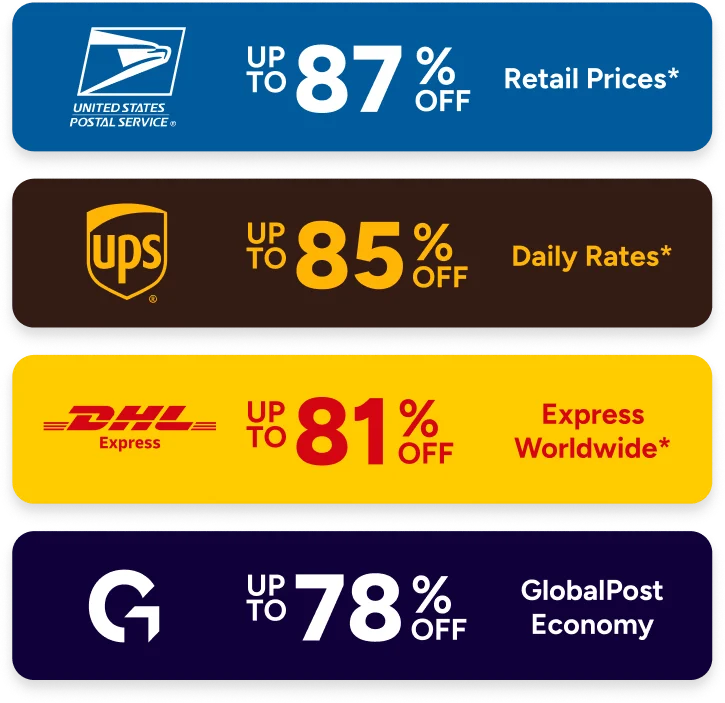
Stamps.com makes international shipping easy by offering international services from USPS, UPS, and other carriers including GlobalPost. We make customs forms hassle free, so you can complete them online with ou guidance, and simply print to include with your international shipment.
Yes. Your packages may be inspected to ensure compliance, as USPS is very strict about what items qualify for Media Mail.